
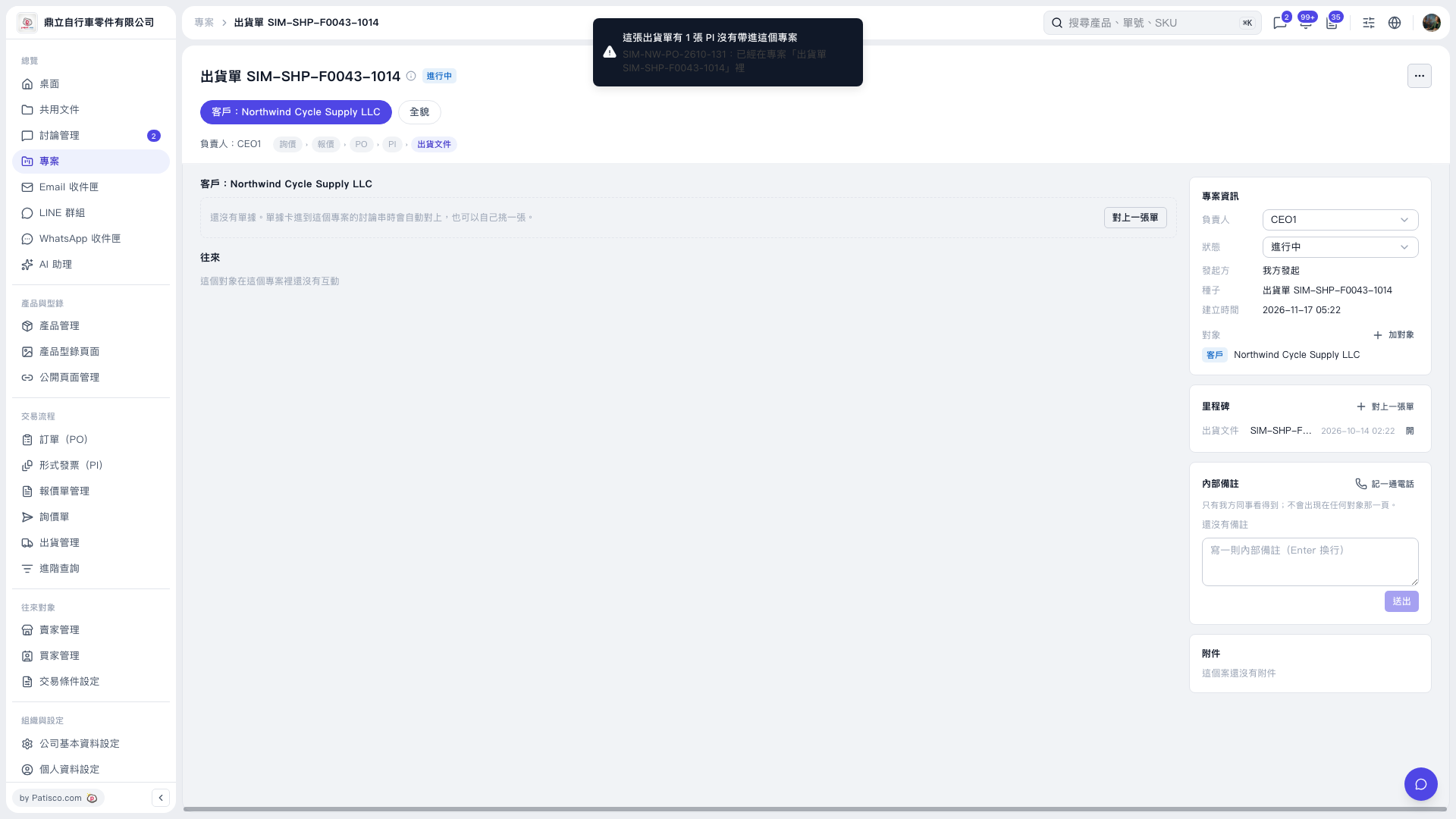
1. First, check the notice at the top to see whether any documents have not yet been added to the project. In this example, the notice indicates that one PI has not yet been added to the project. 2. Click “Link a Document” on the right side of the central document-linking area or in the upper-right corner of the Milestones section on the right to link related documents.
 V5 新桌面版|出貨單 SIM–SHP–F0043–1014