
1. On the Projects page, click “Ask AI to Organize” in the upper-right corner. 2. Wait for the process to finish. Once the AI notice area above the list indicates that proposals are available, click “View Proposals.” In this example, the completed process produced two new project proposals. 3. You can ask: “Organize messages from the last 7 days that are not yet linked to a project, and see which ones could become new projects.” An example AI response is: “I scanned 43 messages from the last 7 days that are not yet linked to a project and suggest creating 2 new projects. For 34 messages, I could not identify which business transaction they belong to, so I will leave them as they are. Another 35 messages are already in projects and will remain unchanged.”
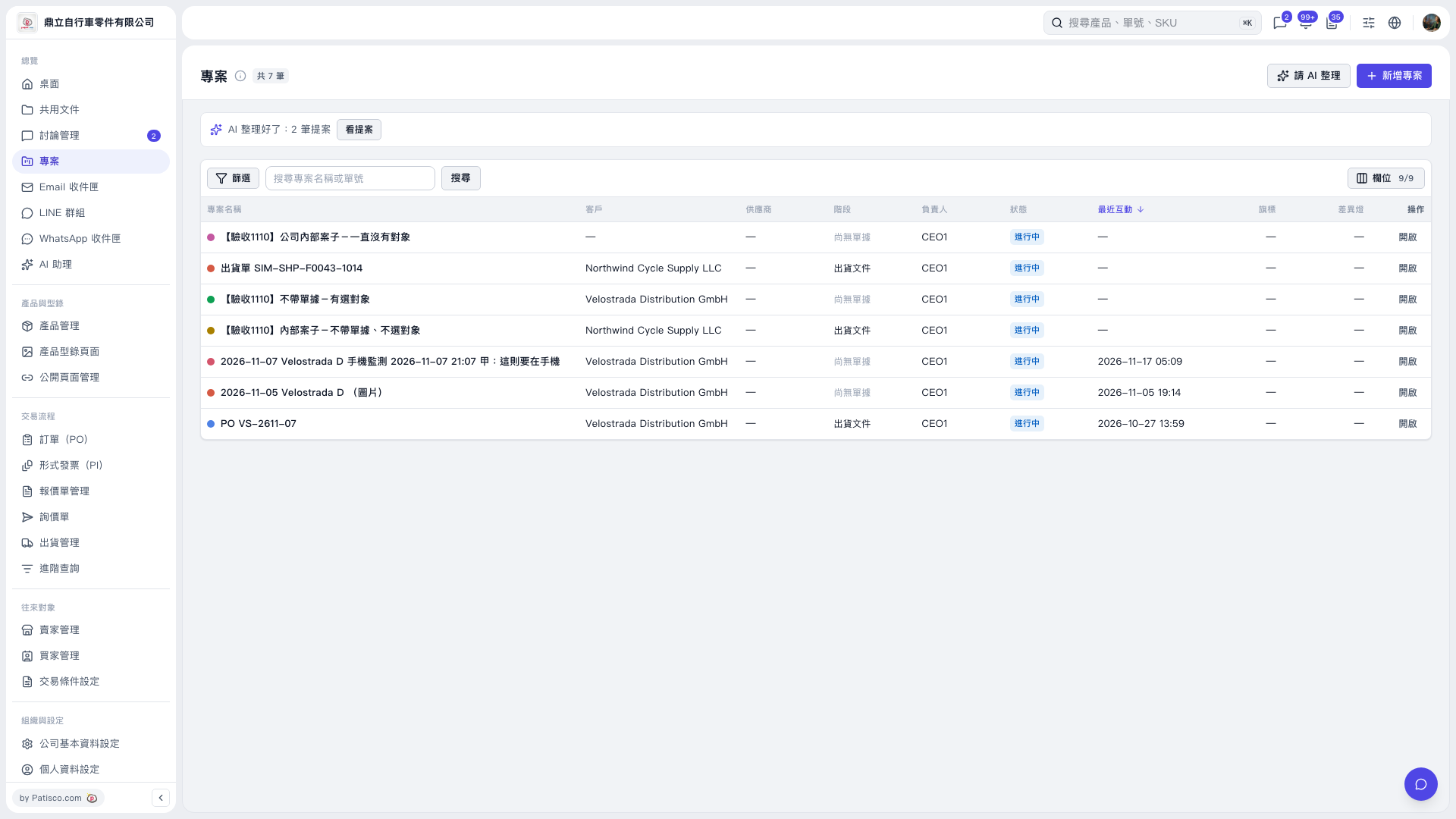 V5 新桌面版|專案