
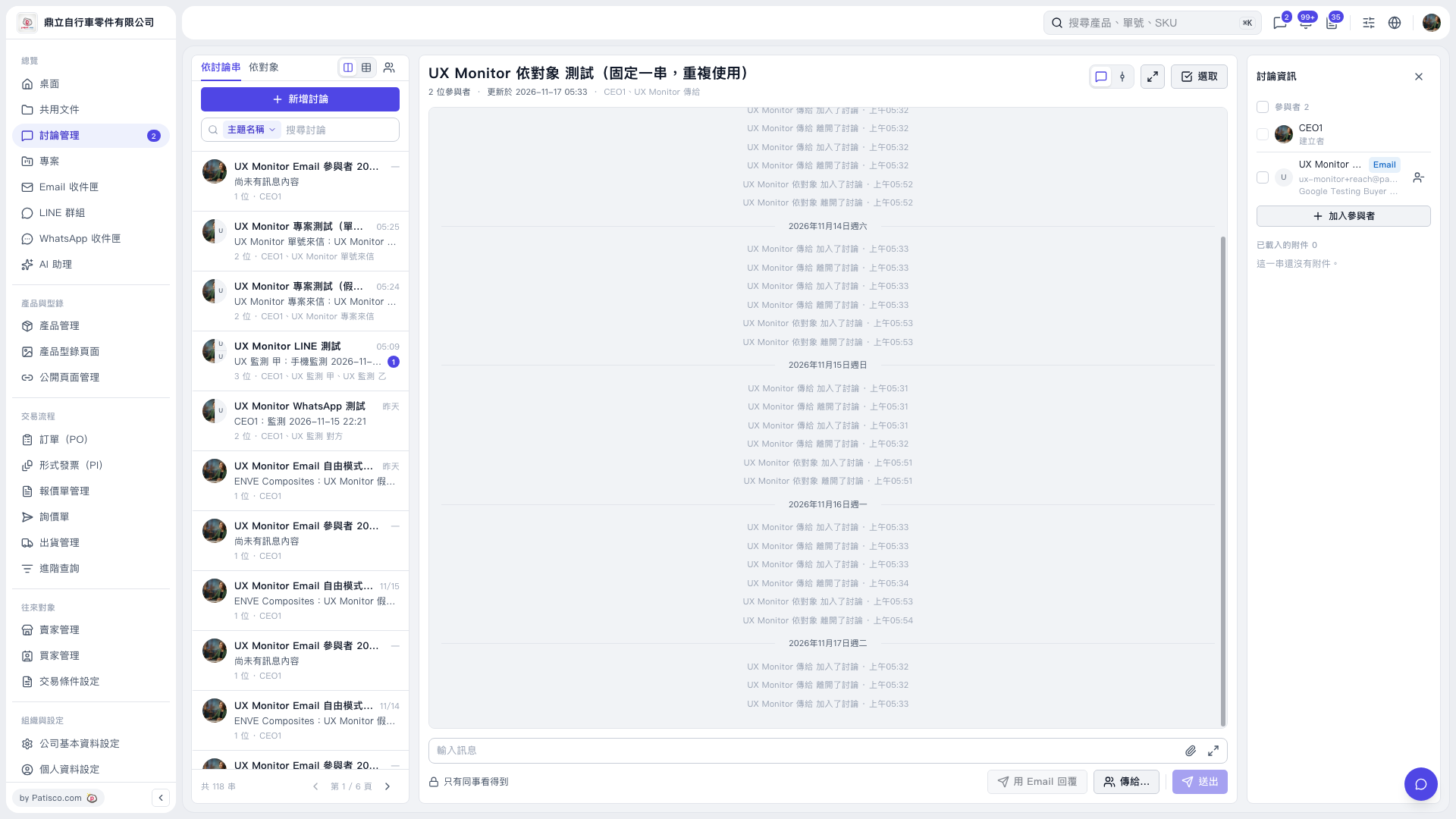
1. Select the thread you want to reply to on the left. You can also find it using "Search Discussions". 2. Enter your message in the "Enter a message" field at the bottom, then click "Send to…" to set the recipients. The current screen shows "Only colleagues can see this", so check the recipients before sending. 3. If you need to send an email, first confirm that "Reply by Email" is enabled, then click it. The button is currently grayed out. The provided information does not explain why, and no email form or prefilled content has been shown yet. 4. After checking the content and recipients, click "Send".
 V5 新桌面版|UX Monitor 依對象 測試(固定一串,重複使用)