
1. Go to "Profile Settings" and check the connected email accounts and their sync status in the "My Mailboxes" section. 2. To connect a new account, go to the "Connect Mailbox" section and click "Connect Google Mailbox", "Connect Microsoft Mailbox", or "Connect Test Mailbox", depending on the account type. Then follow the on-screen instructions. 3. After connecting, check the email address and sync status. If the status shows "Syncing", wait for syncing to finish.
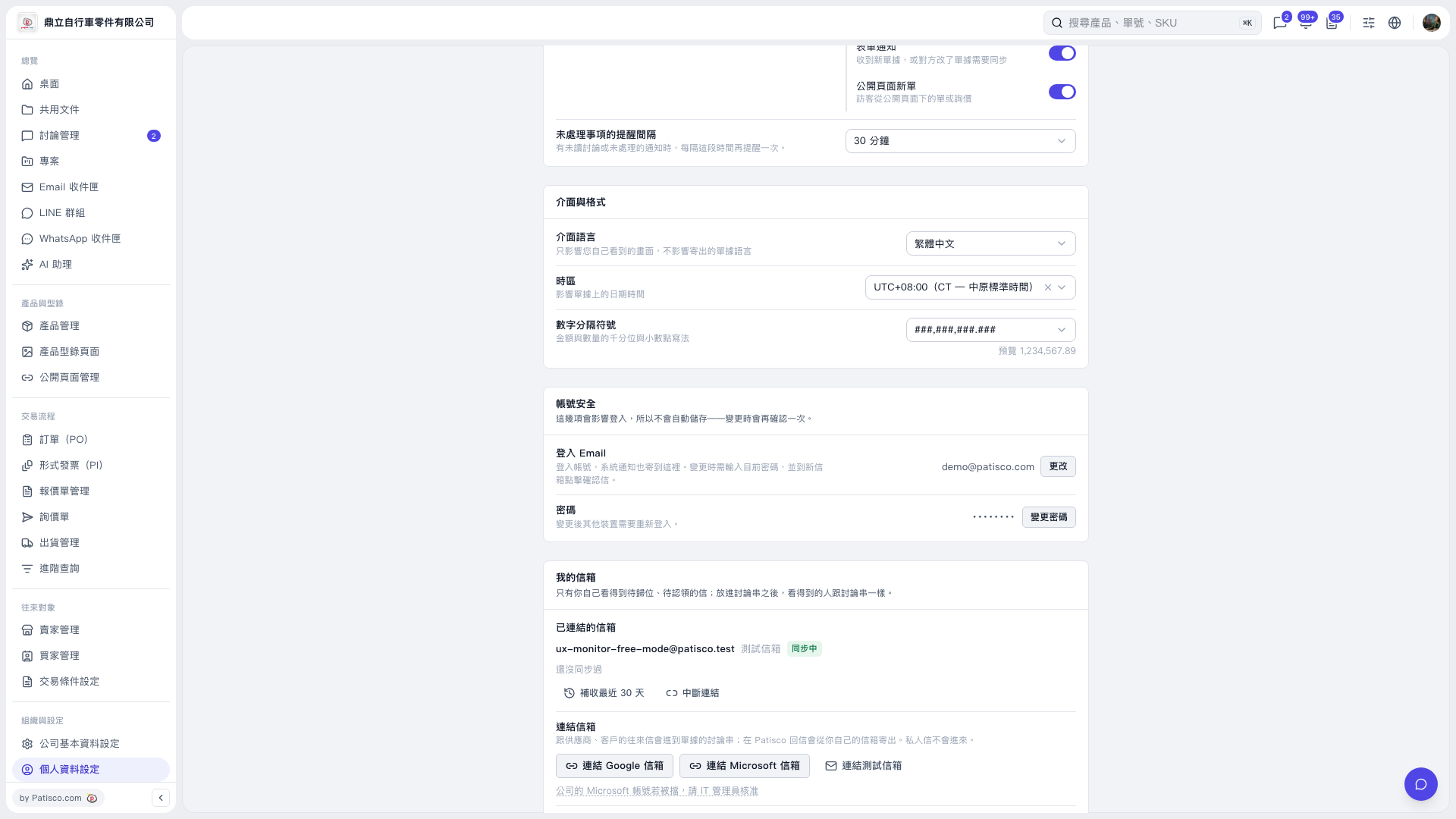 V5 新桌面版|個人資料設定