
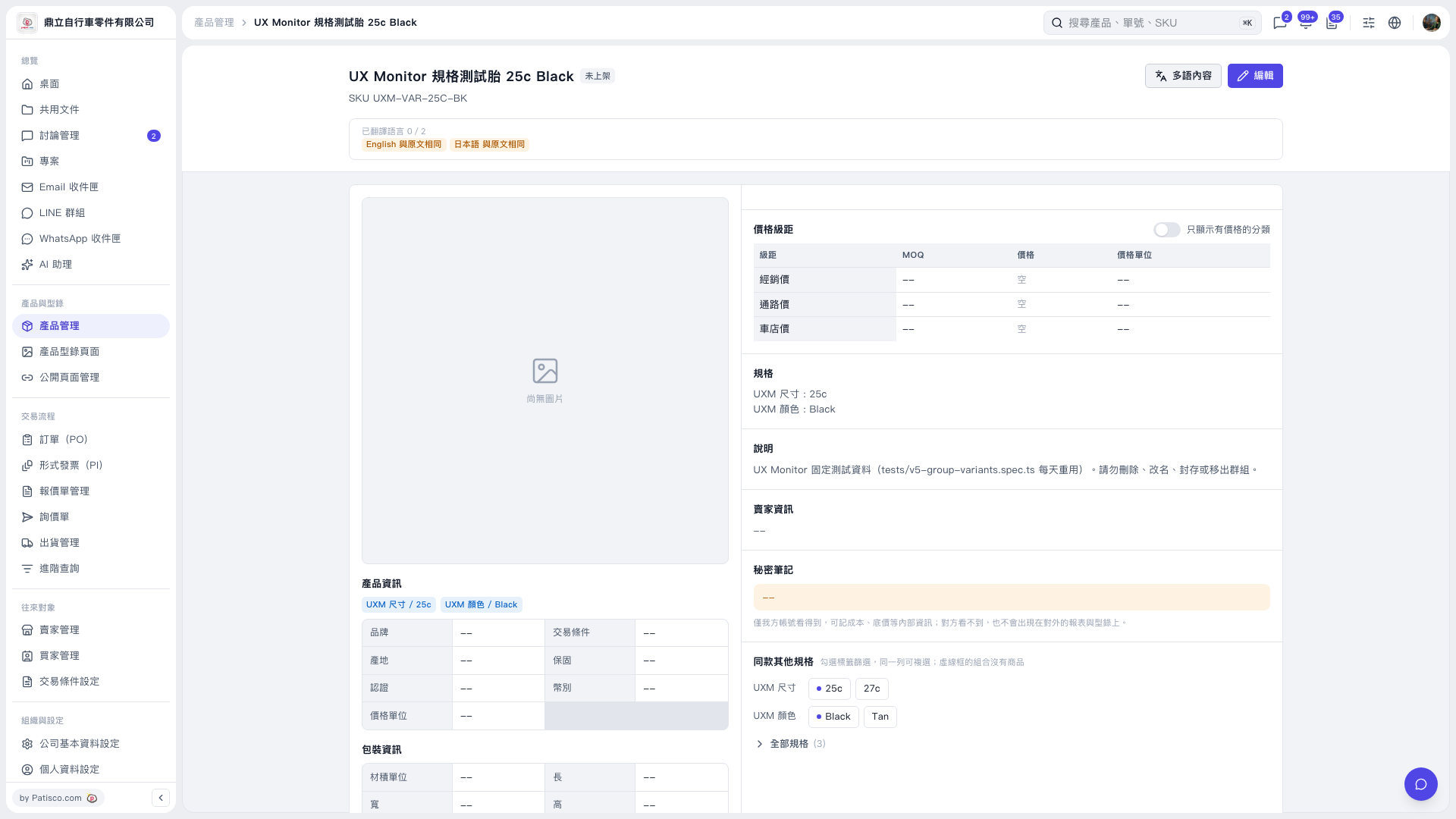
1. On the product page, check the product name, SKU, and current variant. This product is currently “25c” and “Black”. 2. In the “Other variants of this product” section on the right, click “25c”, “27c”, “Black”, or “Tan” to filter the variants. You can select multiple options in the same row. A dashed outline indicates that no product is available for that combination. 3. Click “All variants (3)” to expand and view all 3 variants of the same product.
 V5 新桌面版|UX Monitor 規格測試胎 25c Black