
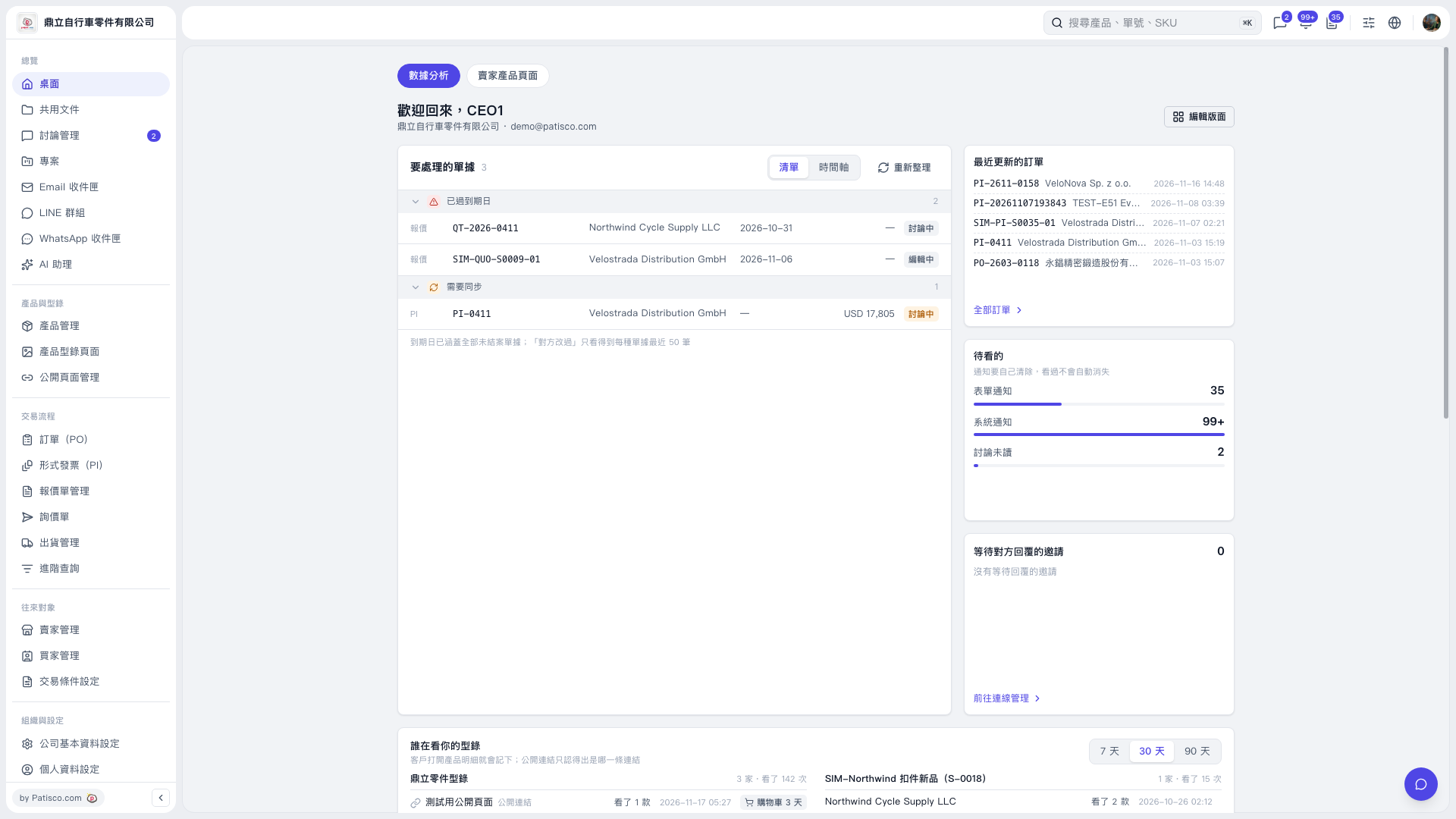
1. On the desktop's "Data Analytics" tab, find "Documents requiring attention" to view documents that are "Past due" or "Need synchronization". 2. Use "Document number", "Company", "Due date", and "Document status" to determine which documents to handle first. 3. Switch between "List" and "Timeline" views, and click "Refresh" to update the data. 4. To view the full PO list, click "All POs" in the "Recently updated POs" section.
 V5 新桌面版|歡迎回來,CEO1