
1. At the top of the Proforma Invoice page, check the number, buyer, amount, and current status. 2. Click "Buyer information", "Shipping information", and "General PO information" to review the transaction details. 3. In "Item list (1)", check the specifications, unit price, and quantity. To make changes, click "Edit" at the upper right. 4. To add an existing product, click "Add items". To create a new item, click "Create item". 5. After reviewing the contents, click "Send" at the upper right.
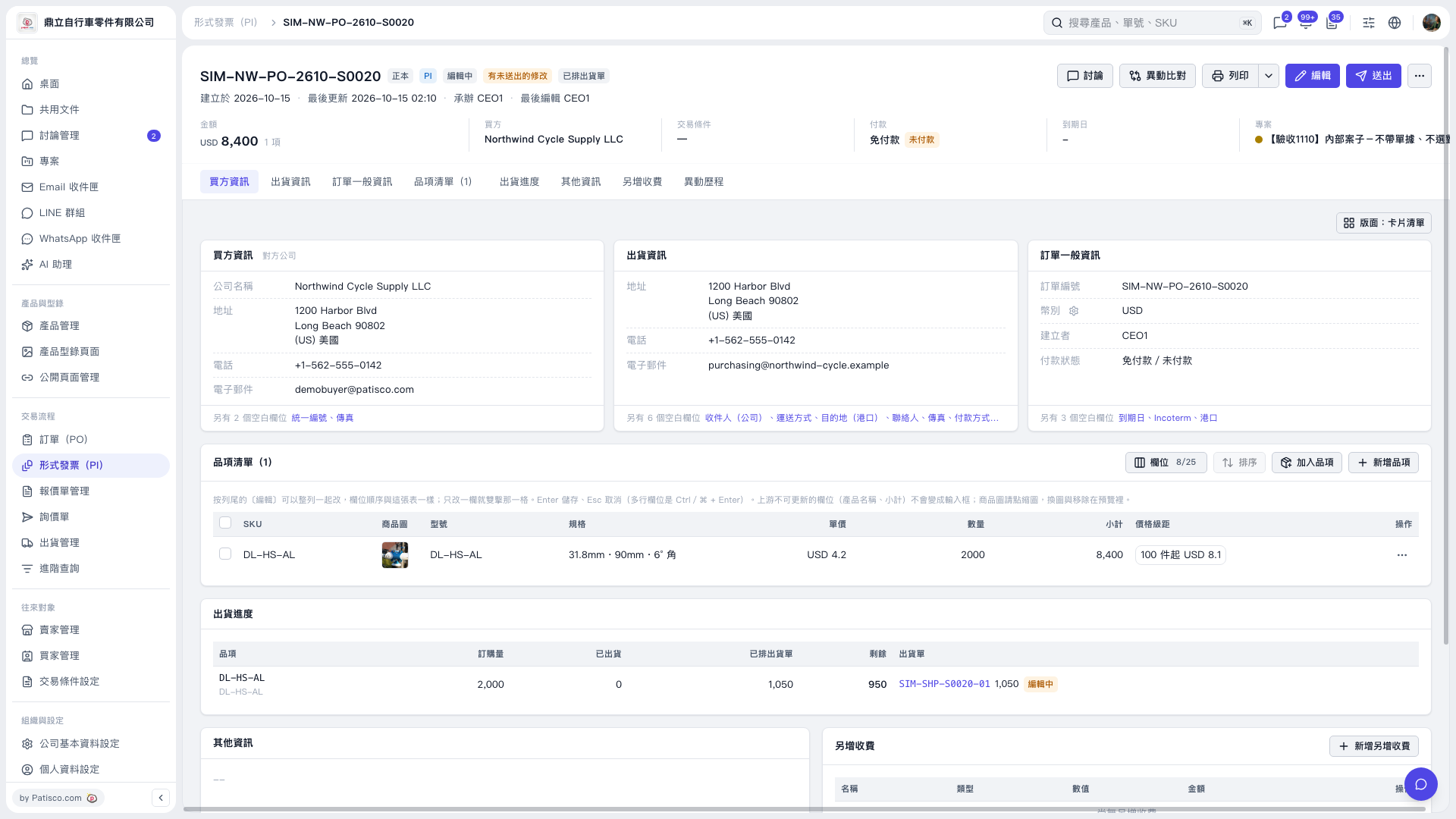 V5 新桌面版|形式發票 SIM–NW–PO–2610–S0020