
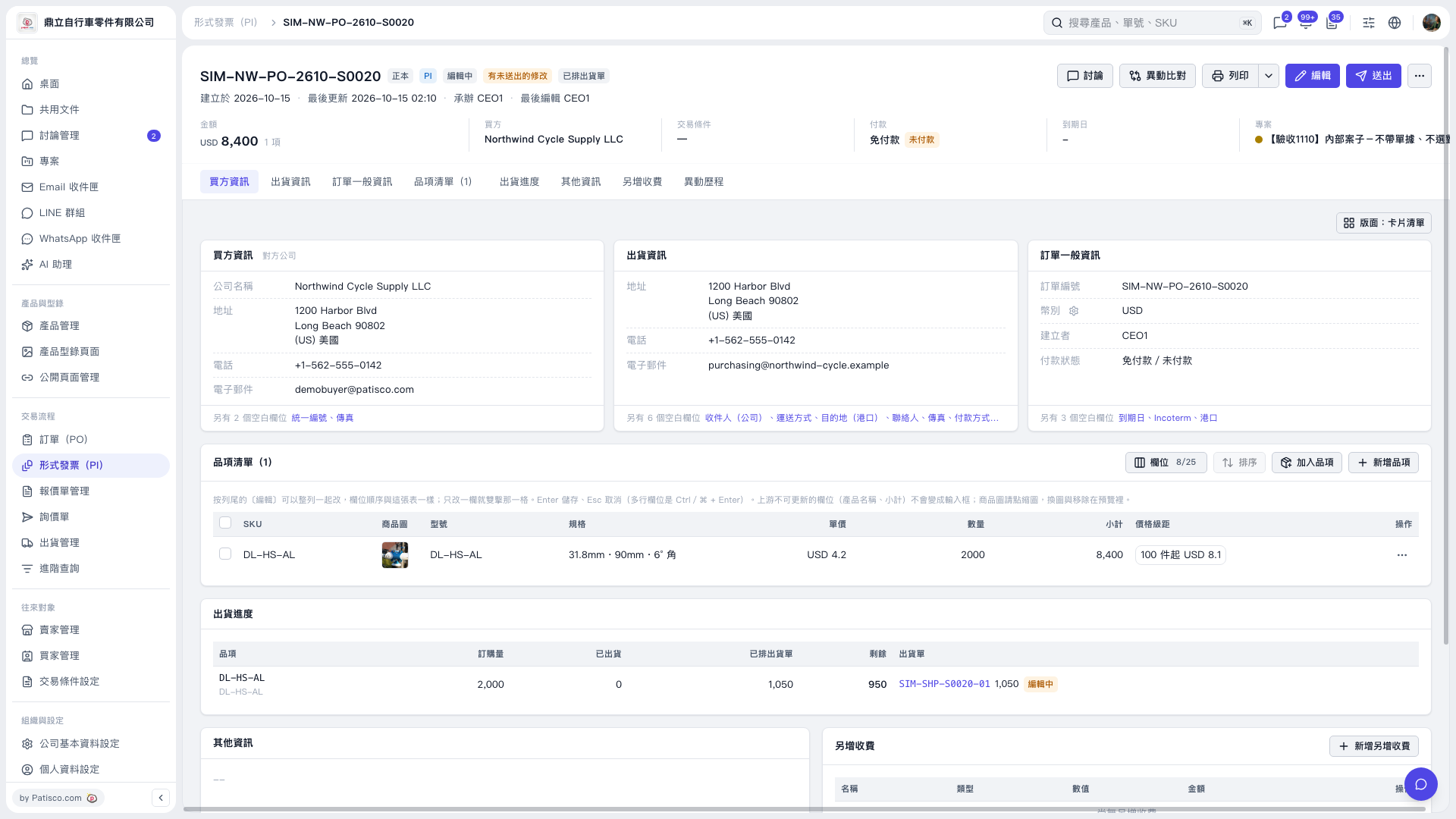
1. Click "Shipping progress" in the tab bar on the Proforma Invoice page. 2. Review each item's "Ordered quantity", "Shipped", "Scheduled on shipping documents", and "Remaining" quantities. 3. To view the linked shipping document, click "SIM–SHP–S0020–01" in the "Shipping document" column.
 V5 新桌面版|形式發票 SIM–NW–PO–2610–S0020