
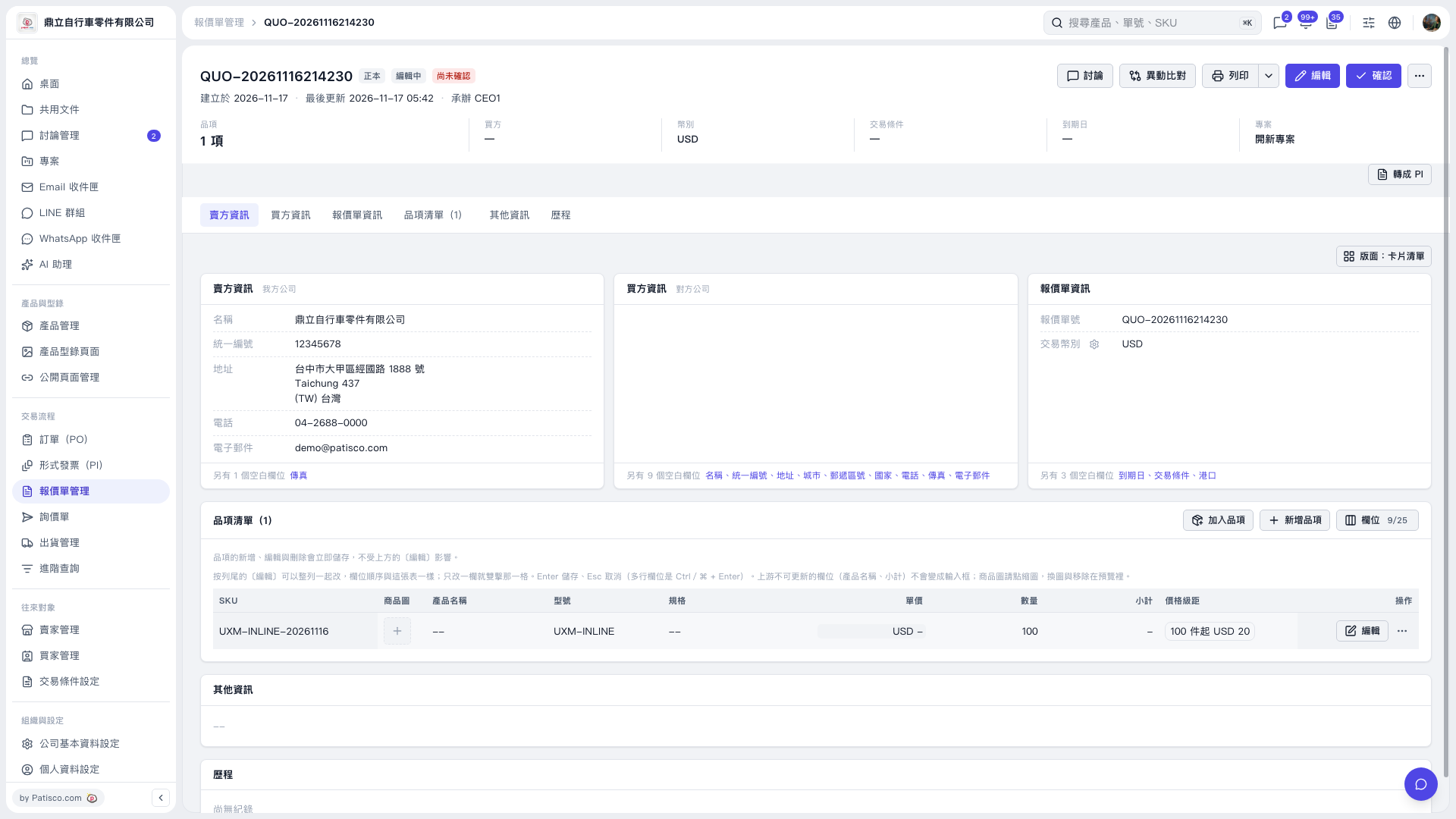
1. Find the item in the quotation's "Item list" and click the "Unit price" field in that row. 2. Enter a new unit price or clear the existing value, then press Enter to save. Press Esc to cancel the change. 3. Check the displayed "Unit price" and "Subtotal". In this test, clearing and saving the unit price resulted in "USD -" being displayed. Item changes are saved immediately. 4. After reviewing the quotation details, click "Confirm" at the upper right to confirm the quotation.
 V5 新桌面版|QUO-20261116214230