
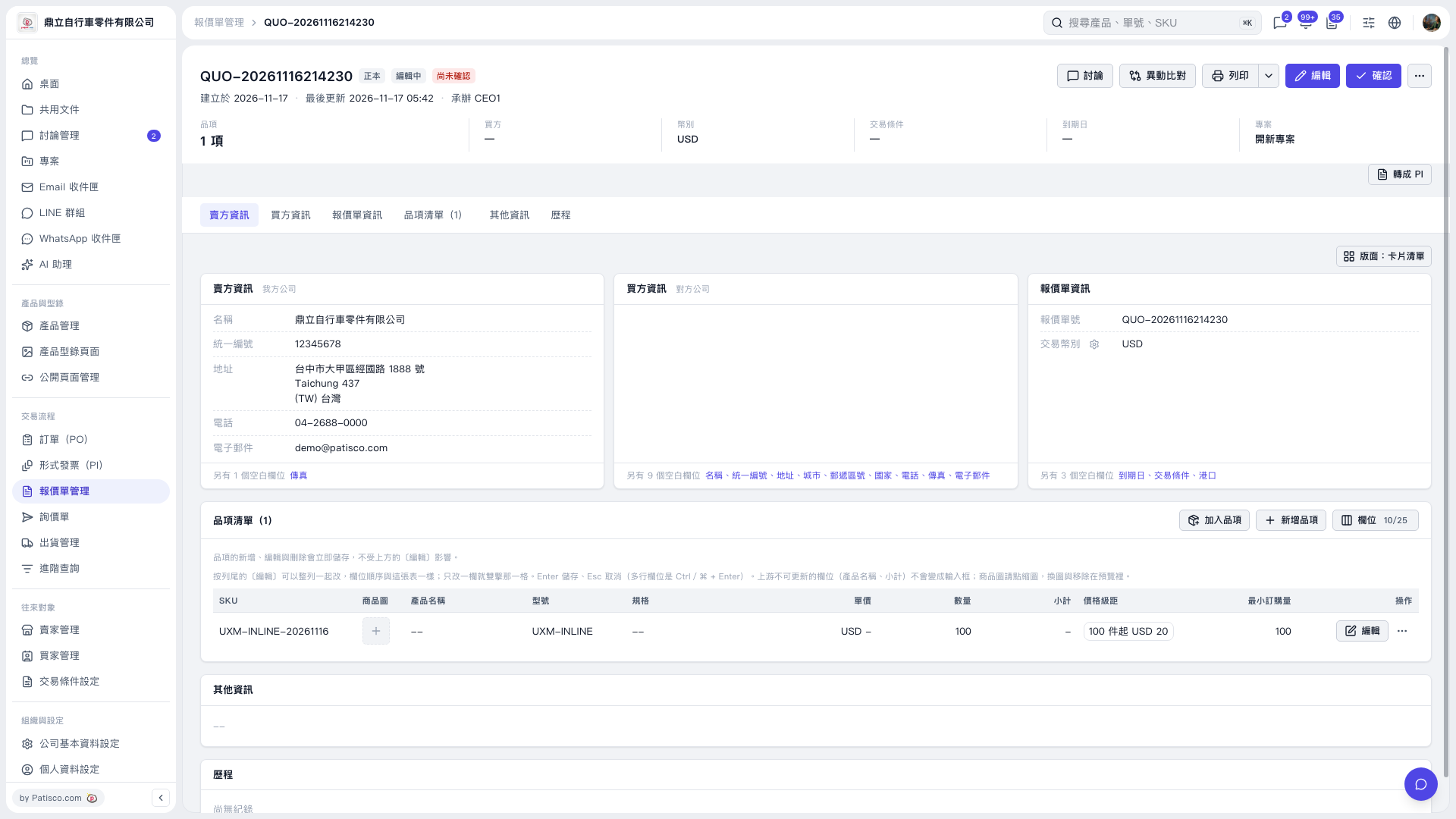
1. In the quotation's "Item list", check "Quantity", "Price breaks", and "Minimum order quantity". The current item's quantity and minimum order quantity are both 100. 2. To edit an item, click "Edit" on the right side of its row. Item edits are saved immediately when completed. 3. For fields that support inline editing, press Enter to save or Esc to cancel. For multiline fields, press Ctrl/⌘ + Enter to save.
 V5 新桌面版|QUO–20261116214230