
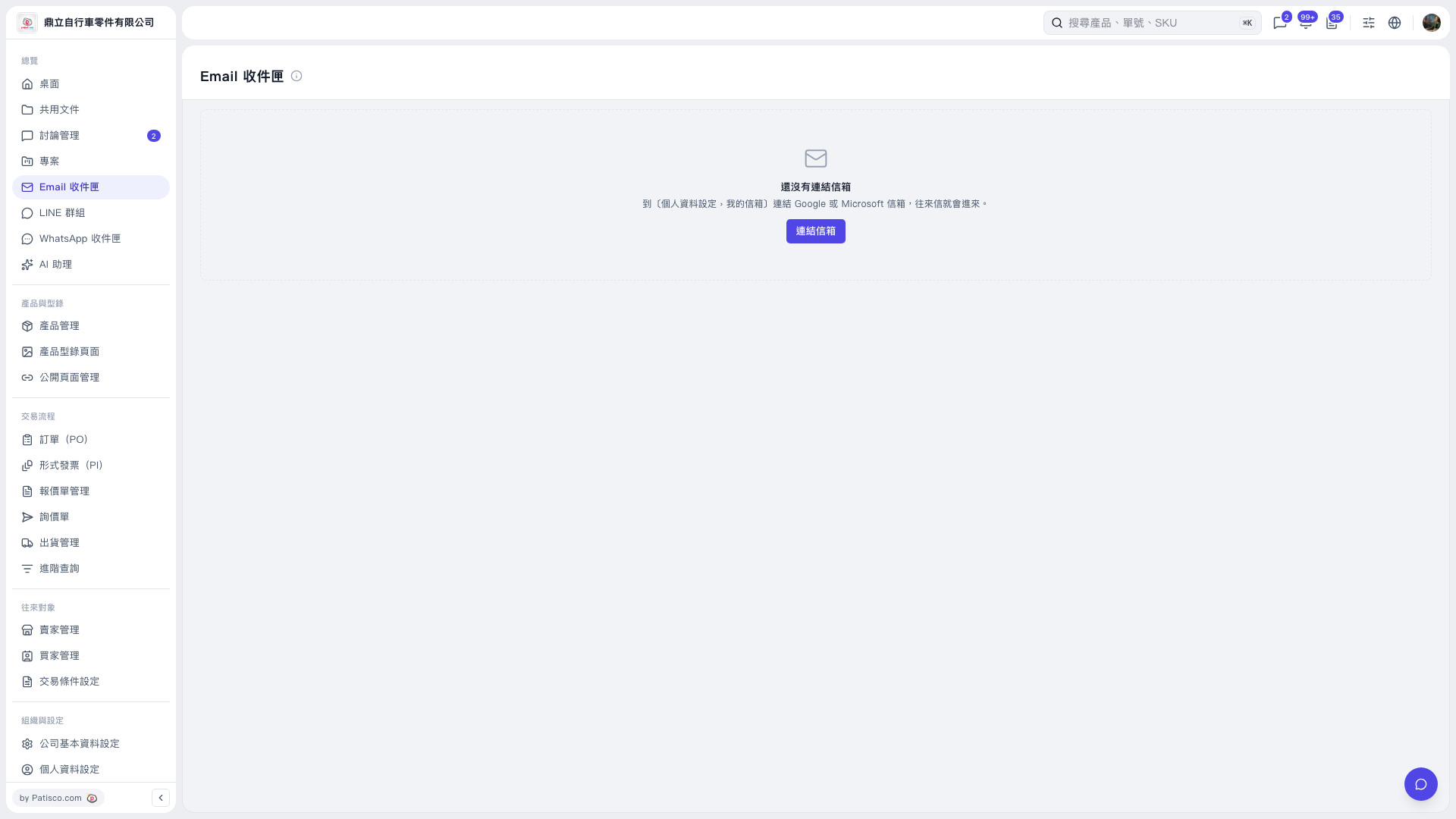
1. Click "Connect Mailbox" in the center of the "Email Inbox" page. 2. Follow the on-screen instructions to connect a Google or Microsoft mailbox under "My Mailbox" in "Profile Settings." You can also open "Profile Settings" from the bottom of the left sidebar. 3. After connecting, return to "Email Inbox" to view imported email exchanges. Tabs will only appear after a mailbox is connected.
 V5 新桌面版|Email 收件匣