
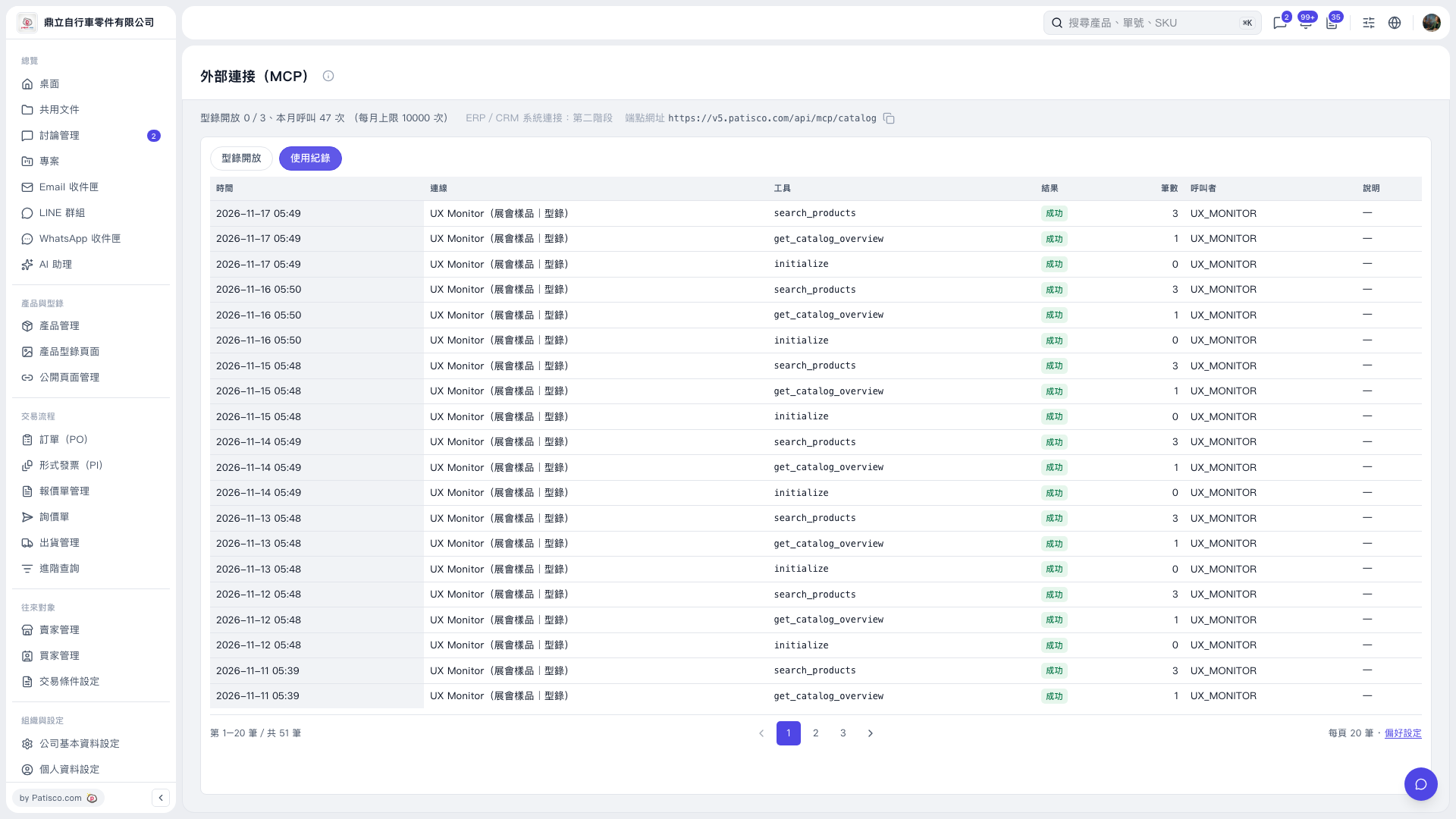
1. Open https://v5.patisco.com/mcp to go to the “External Connections (MCP)” page. 2. Find https://v5.patisco.com/api/mcp/catalog at the top of the page and click the copy icon to the right of the URL. 3. To view catalog access settings, click the “Catalog Access” tab. Once an external AI is connected, you can ask: “What products are in the trade show sample catalog?” Based on this test, an example AI response is: “The trade show sample catalog contains 12 products, including ‘Dingli Stainless Steel Spokes 14G’.”
 V5 新桌面版|外部連接(MCP)