
1. Find the line item you want to modify in the PO’s “Line Item List” and click “Edit” on the right side of that row. 2. Clear any SKU, model, specifications, or currency you no longer need to retain, then save. 3. If “Saving…” appears and the button is disabled during saving, wait for saving to finish. 4. Reopen the line item and confirm that the cleared fields are still blank. This test confirmed that these fields remain blank after saving, while the unit price and quantity retain their original values.
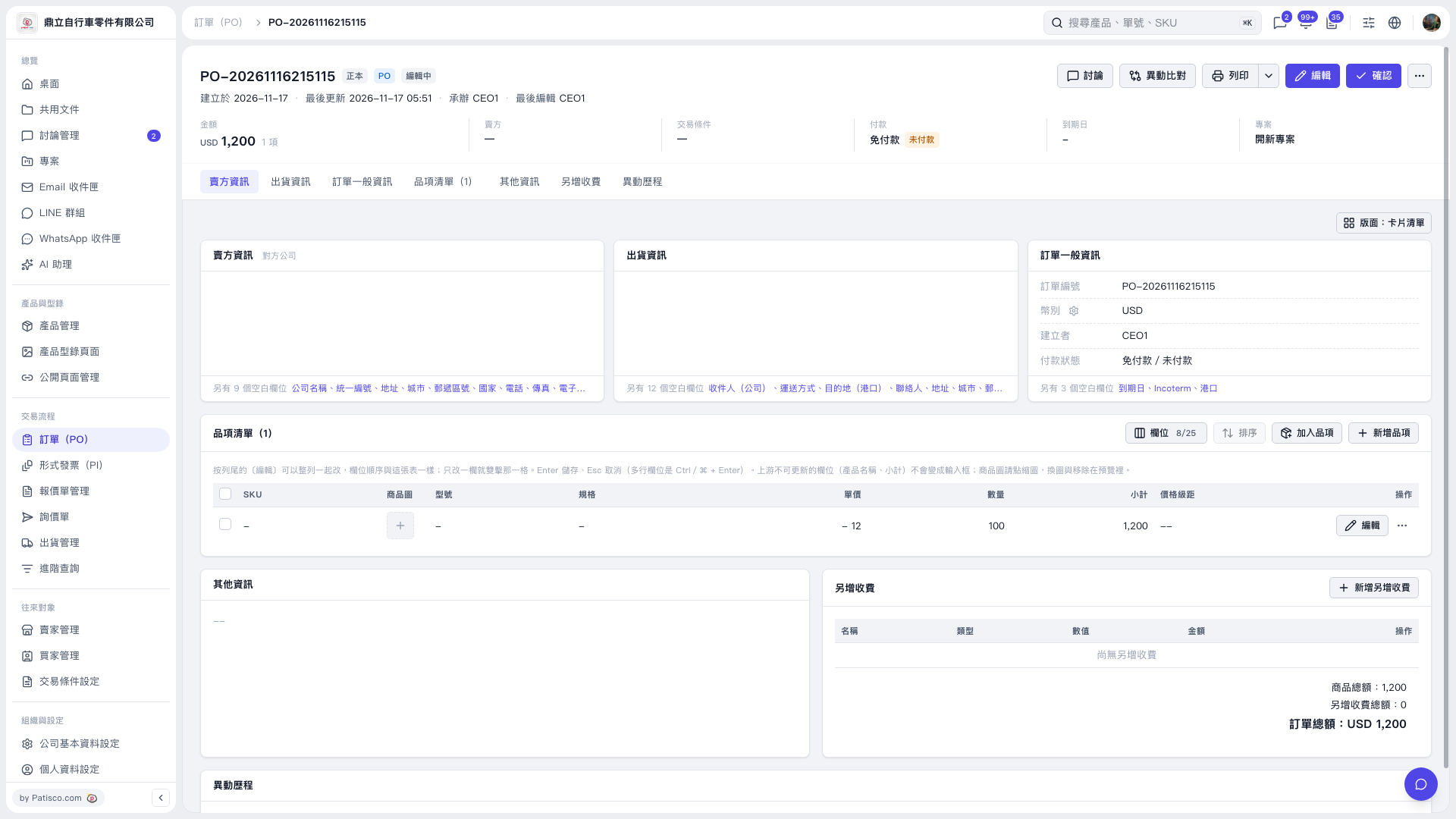 V5 新桌面版|PO–20261116215115