
1. Above the product list, select the search field "Product name", enter a keyword in "Enter keyword and press Enter to search", then press Enter. 2. To narrow down the results, select conditions under "Category filter" on the left; you can also enter a "Minimum price" and a "Maximum price" and click "Apply". 3. To change the product order, use "Created date" to select the sort field, and adjust the sort direction with "Descending".
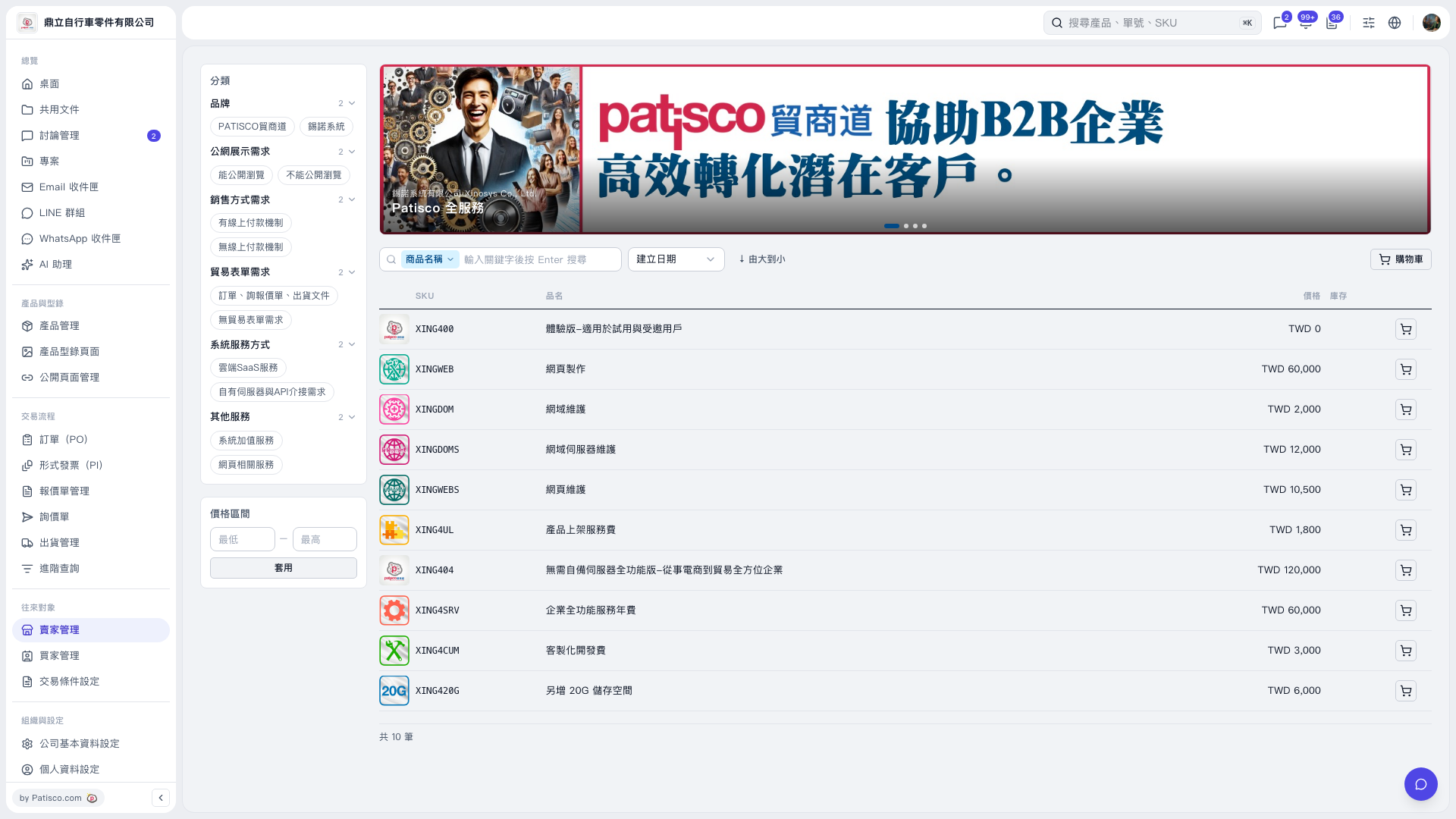 V5 新桌面版|產品型錄商品列表