
1. Open the PO and check the PO number, amount, trading conditions, and payment status at the top, then review the product details. 2. To edit the entire PO, click "Edit" in the upper-right corner. To edit an individual product, click "Edit" on the right side of that product's row. 3. After checking the contents, click "Confirm" in the upper-right corner. 4. To print, click "Print" or the drop-down menu next to it.
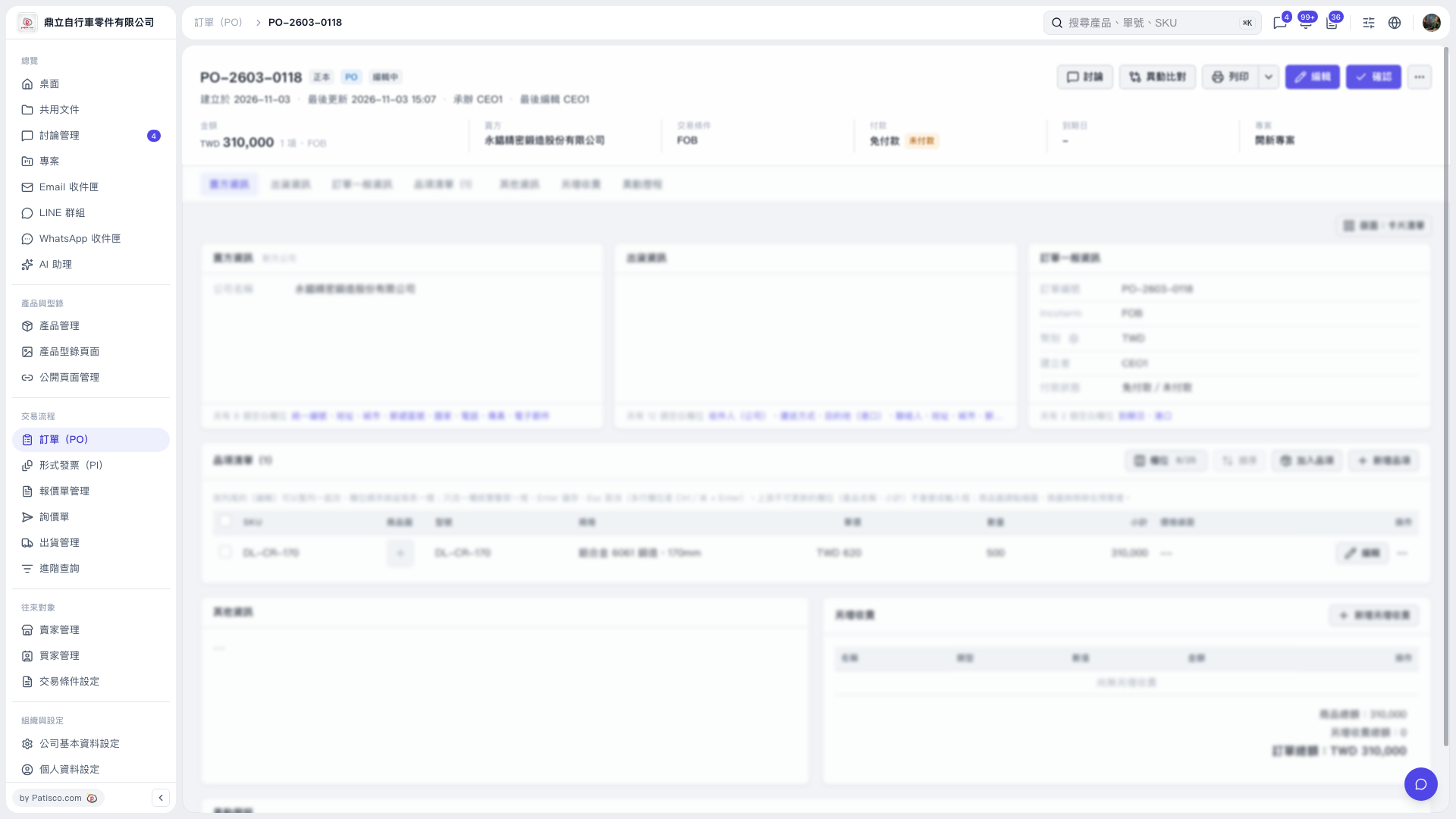 V5 新桌面版|PO-2603-0118