
1. Select “Item name” above the product list, enter a search keyword, and press Enter. 2. To narrow the results, use the conditions under “Category filter” on the left. 3. To filter by price, enter the minimum and maximum prices under “Price range”, then click “Apply”. 4. Use “Created date” and “High to low” above the list to adjust the sorting.
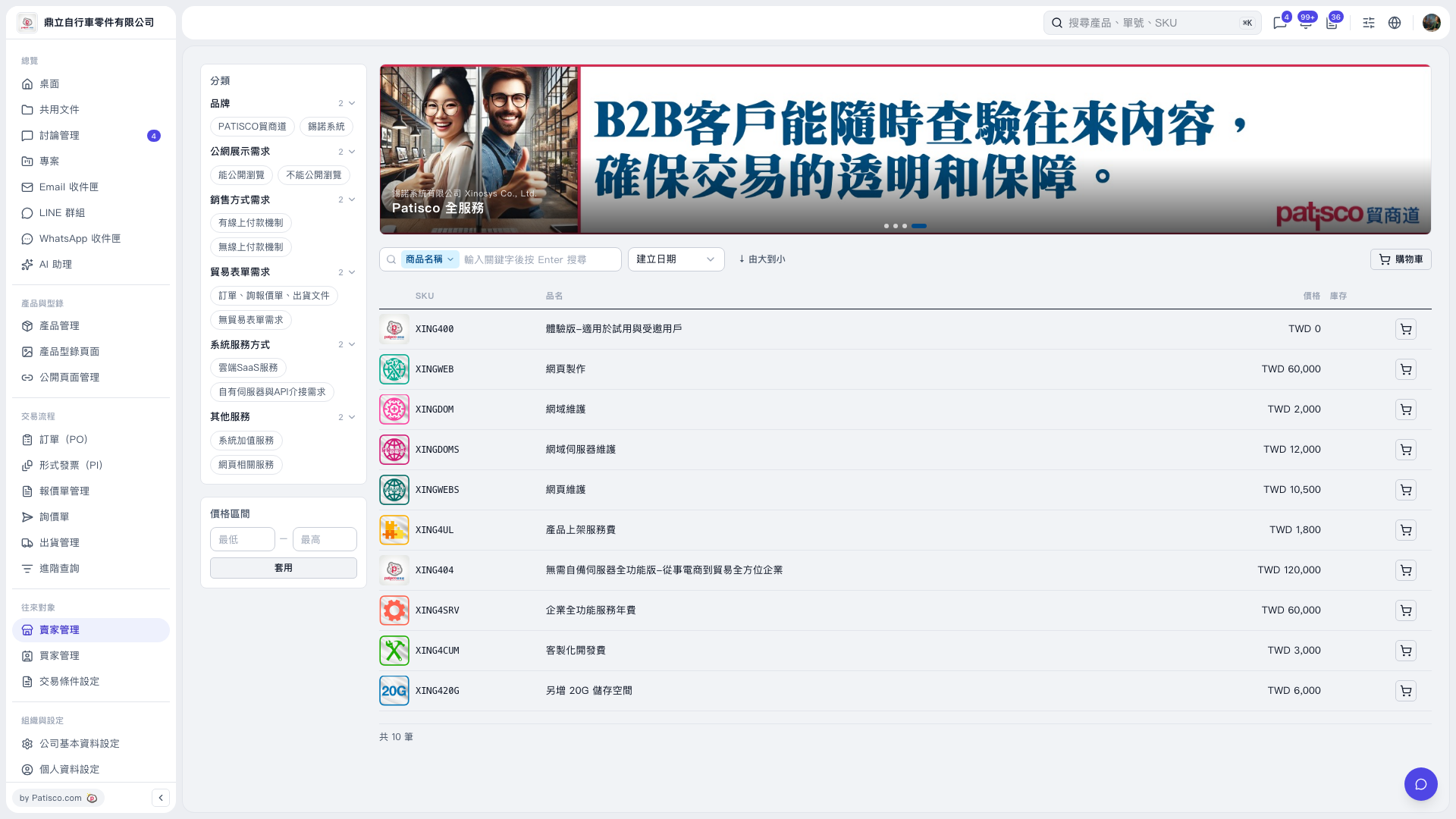 V5 新桌面版|產品型錄