
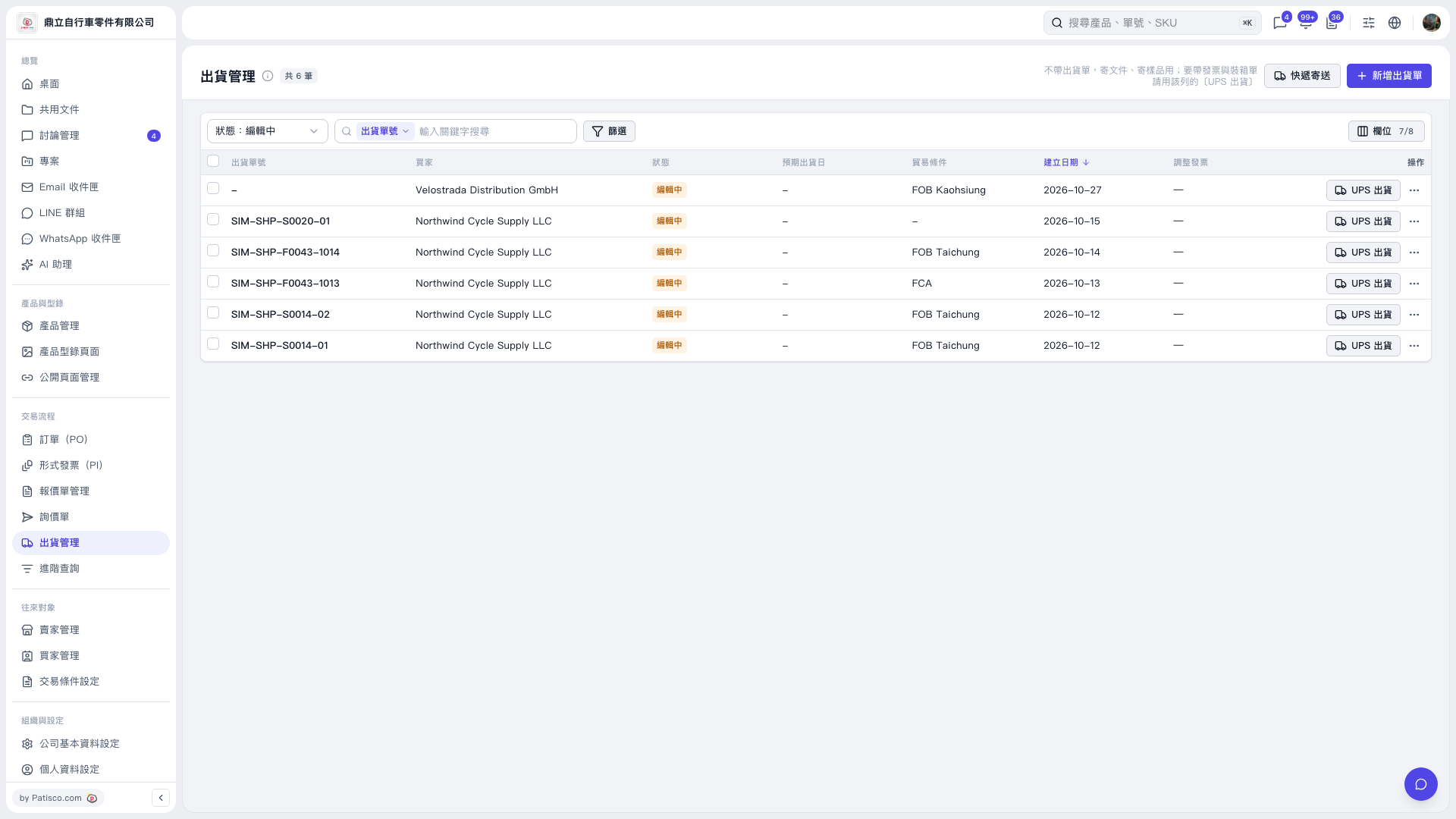
1. On the “Shipping Management” page, click “Status: Editing” at the upper left of the list to select the status to display, or use “Shipment Number / Enter Keywords to Search” to find a shipment. You can also click “Filter” to set criteria. 2. After finding the shipment, check the buyer, status, and trade terms. 3. Click “Ship via UPS” on the right side of that shipment to proceed with UPS shipping and related invoice and packing list tasks.
 V5 新桌面版|出貨管理