
1. Find the relevant shipping order in the Shipping Management list. You can narrow the results using “Status: Editing,” “Shipping Order Number / Enter a Keyword to Search,” or “Filter.” 2. Click “Ship with UPS” on the right side of that shipping order to enter the shipping workflow. 3. If you do not have a shipping order yet, first click “Add Shipping Order” in the upper-right corner to start creating one.
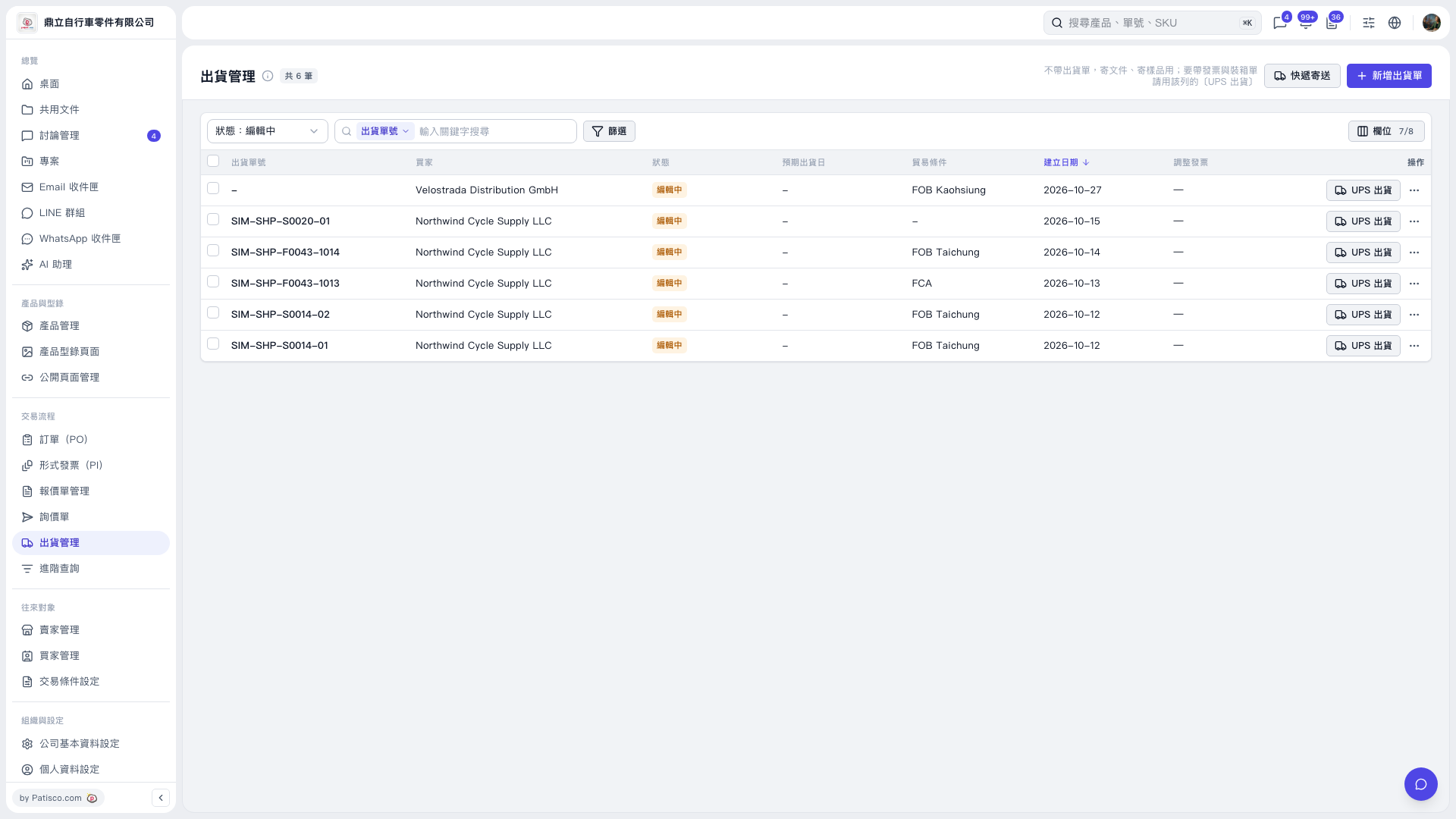 V5 新桌面版|出貨管理