
1. On the “PO” page, click “Sent (PO)” at the top left of the list to view POs issued by your company, meaning purchase orders placed with the other party. 2. Click “Received (PO)” on the right to view copies of POs issued to your company by the other party. 3. You can ask AI: “What does Sent (PO) mean on this page?” AI would reply: “This is a list of POs issued by your company. Switch to ‘Received (PO)’ to view copies of POs issued to your company by the other party.”
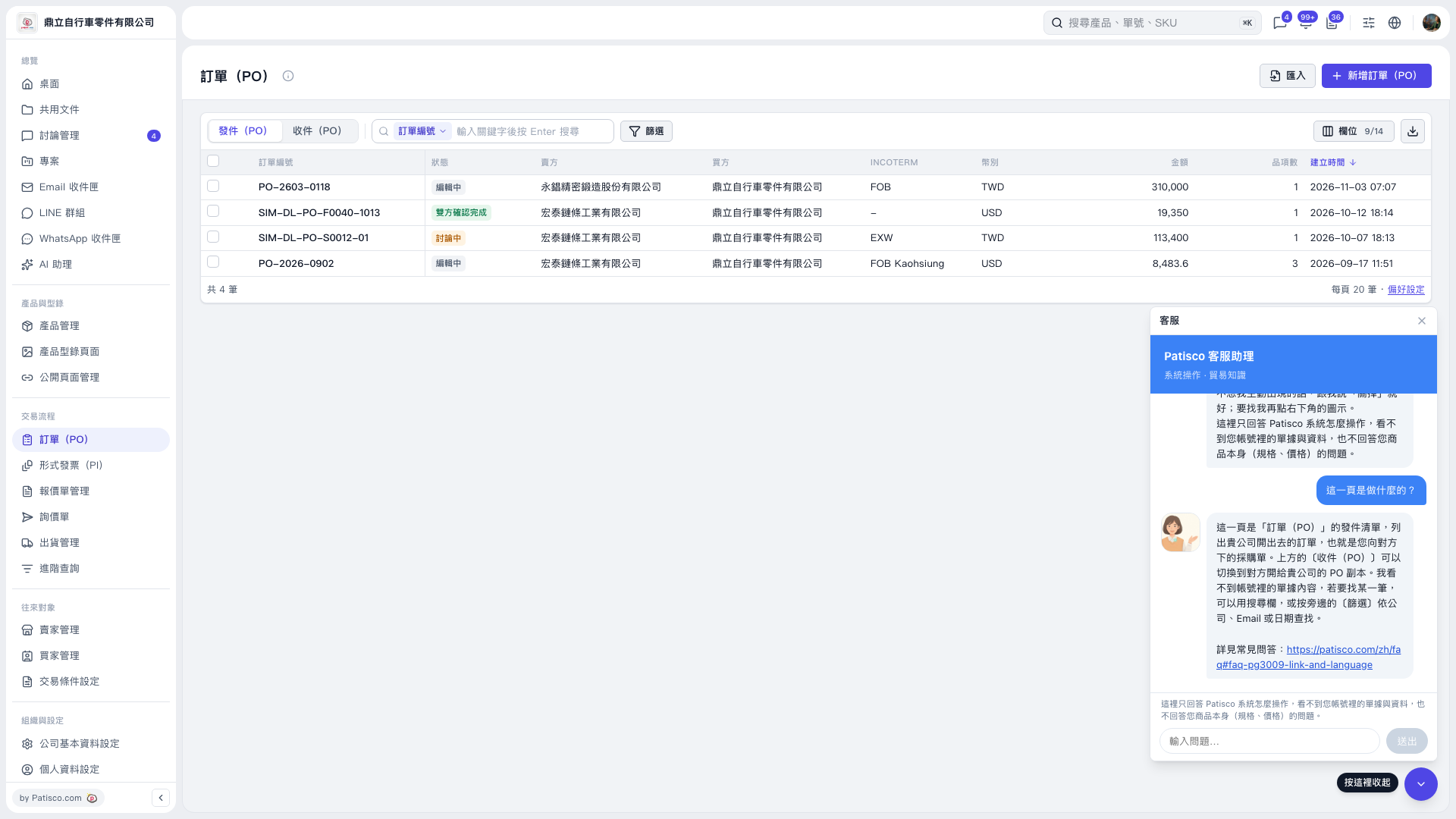 V5 新桌面版|訂單(PO)