
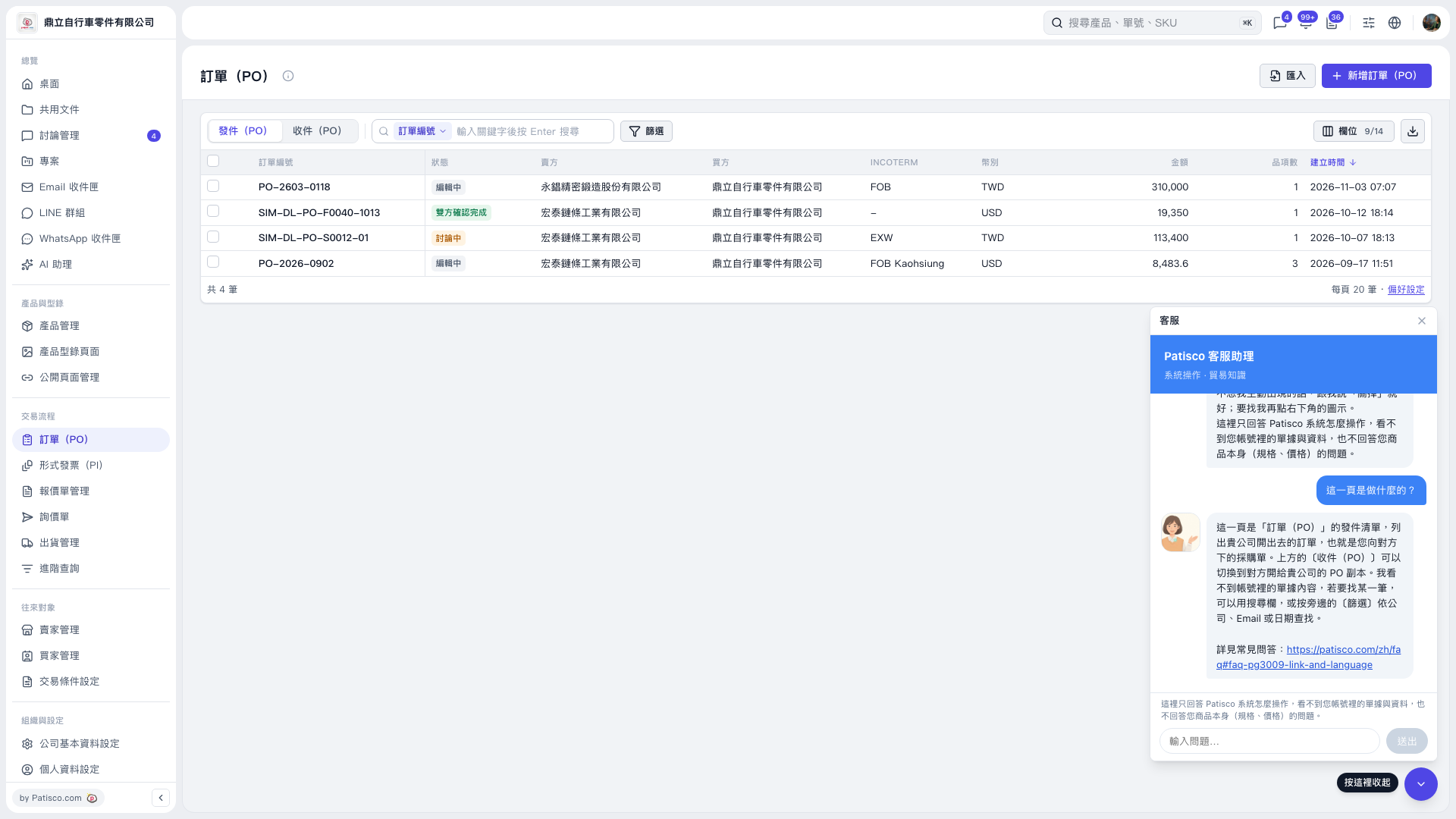
1. Open the “PO” page and select “Sent (PO)” or “Received (PO)”. 2. Select “PO Number” in the search box above the list, enter a keyword, and press Enter to search. You can also click “Filter” to set conditions. 3. Check the “PO Number”, “Status”, “Seller”, “Buyer”, and “Amount” in the search results to confirm whether you have found the correct PO. 4. You can ask AI: “How can I find a specific PO?” AI would reply: “I cannot see the documents in your account. You can use the search field or click ‘Filter’ next to it to find the PO.”
 V5 新桌面版|訂單(PO)