
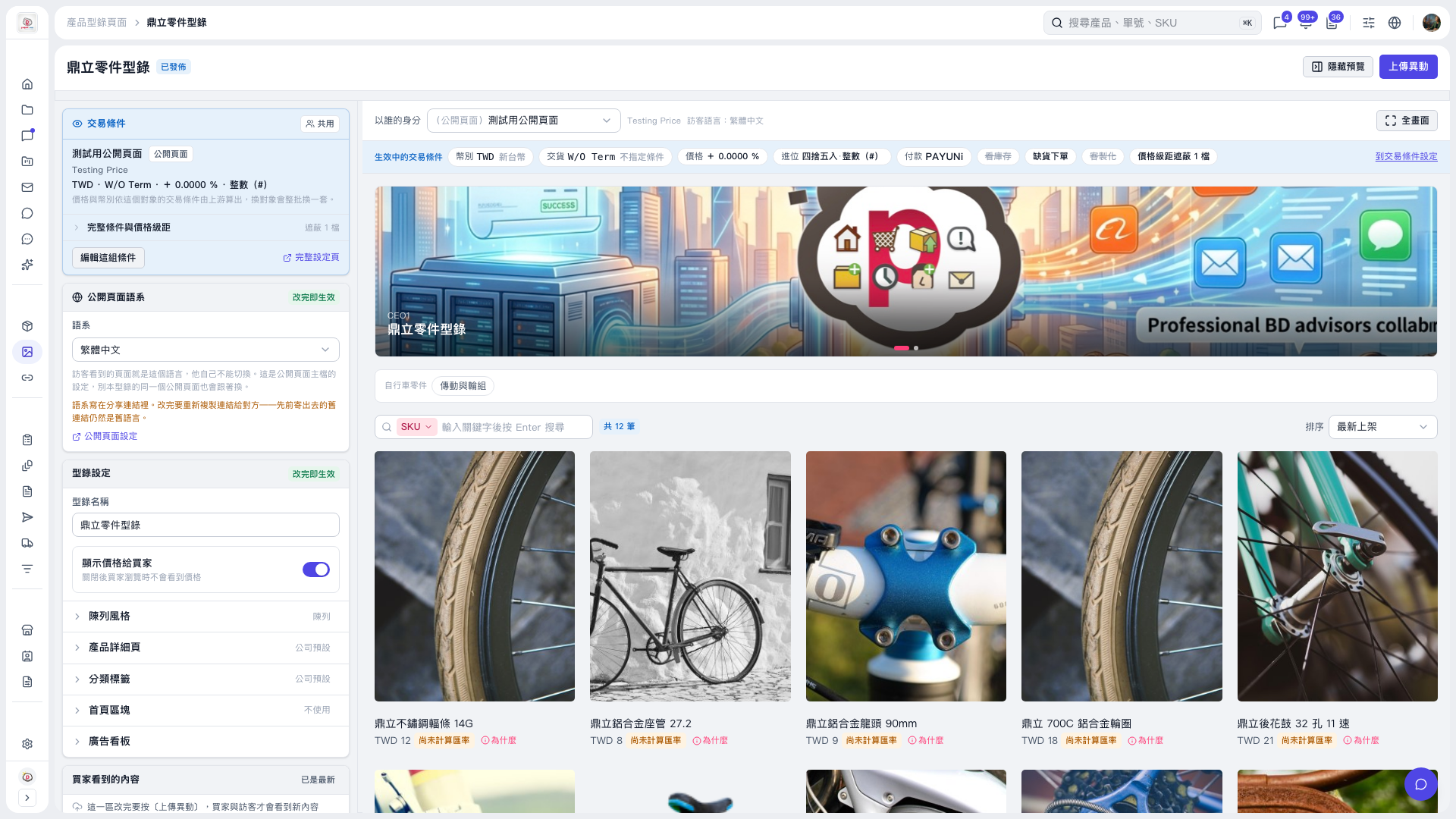
1. On the catalog page, click “Banner” under “Catalog Settings” on the left to expand the settings. 2. Check the banner content in the preview on the right and observe the slideshow transitions and animation effects. The catalog used in this test had 2 banner images, and the animation on the banner displayed at the time was running. 3. To enlarge the preview, click “Full Screen” at the top right of the preview area.
 V5 新桌面版|鼎立零件型錄