
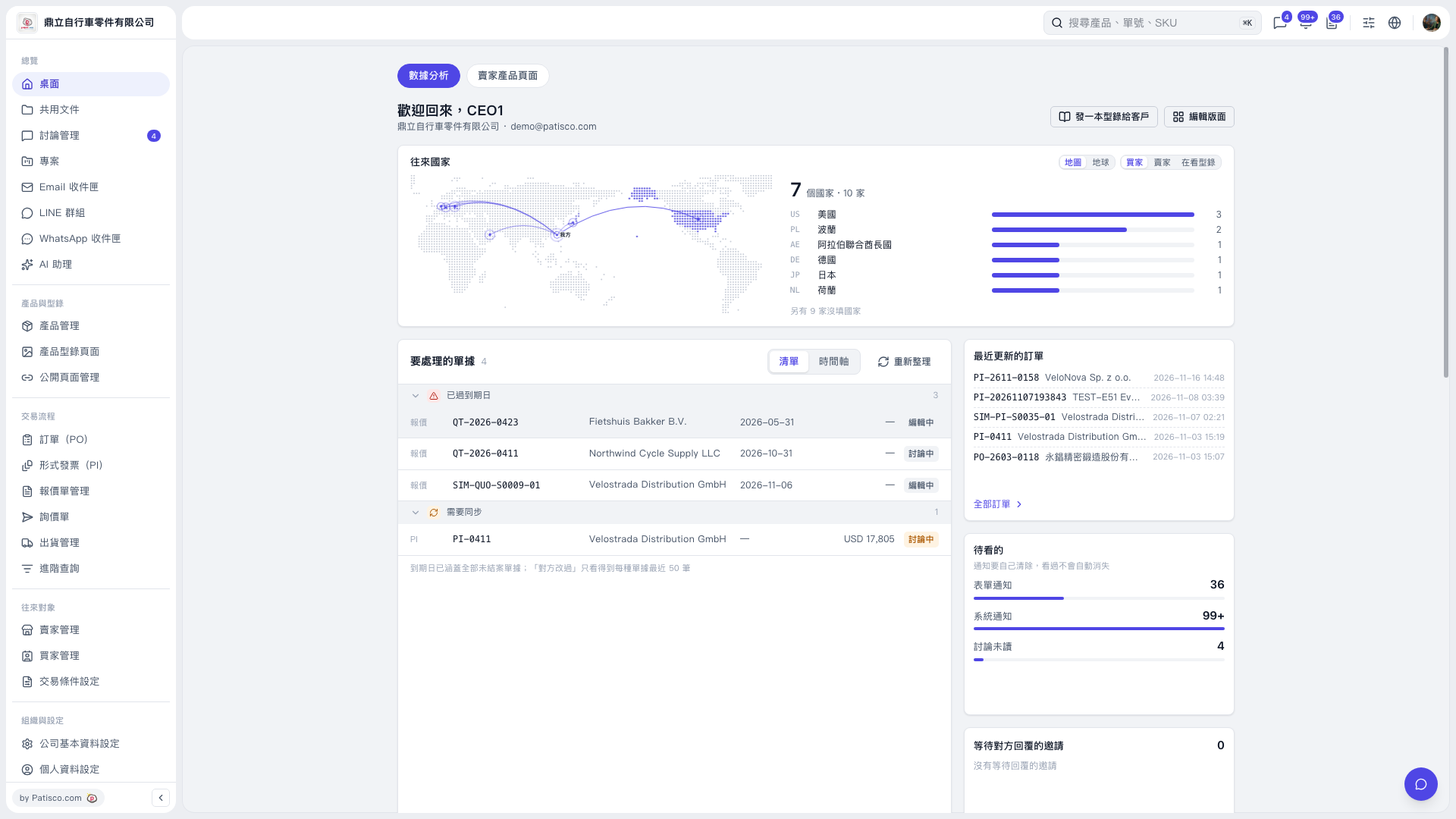
1. In the “Documents Requiring Attention” section under “Desktop – Analytics”, check the documents in “Past Due” and “Needs Synchronization”. 2. Switch between “List” and “Timeline” views, and click “Refresh” to update the data if needed. 3. Click the number of the document you need to handle to view its contents and status. 4. To find other POs, click “All POs” in the “Recently Updated POs” section, or enter a document number in “Search Products, Document Numbers, SKU” at the top.
 V5 新桌面版|桌面-數據分析