
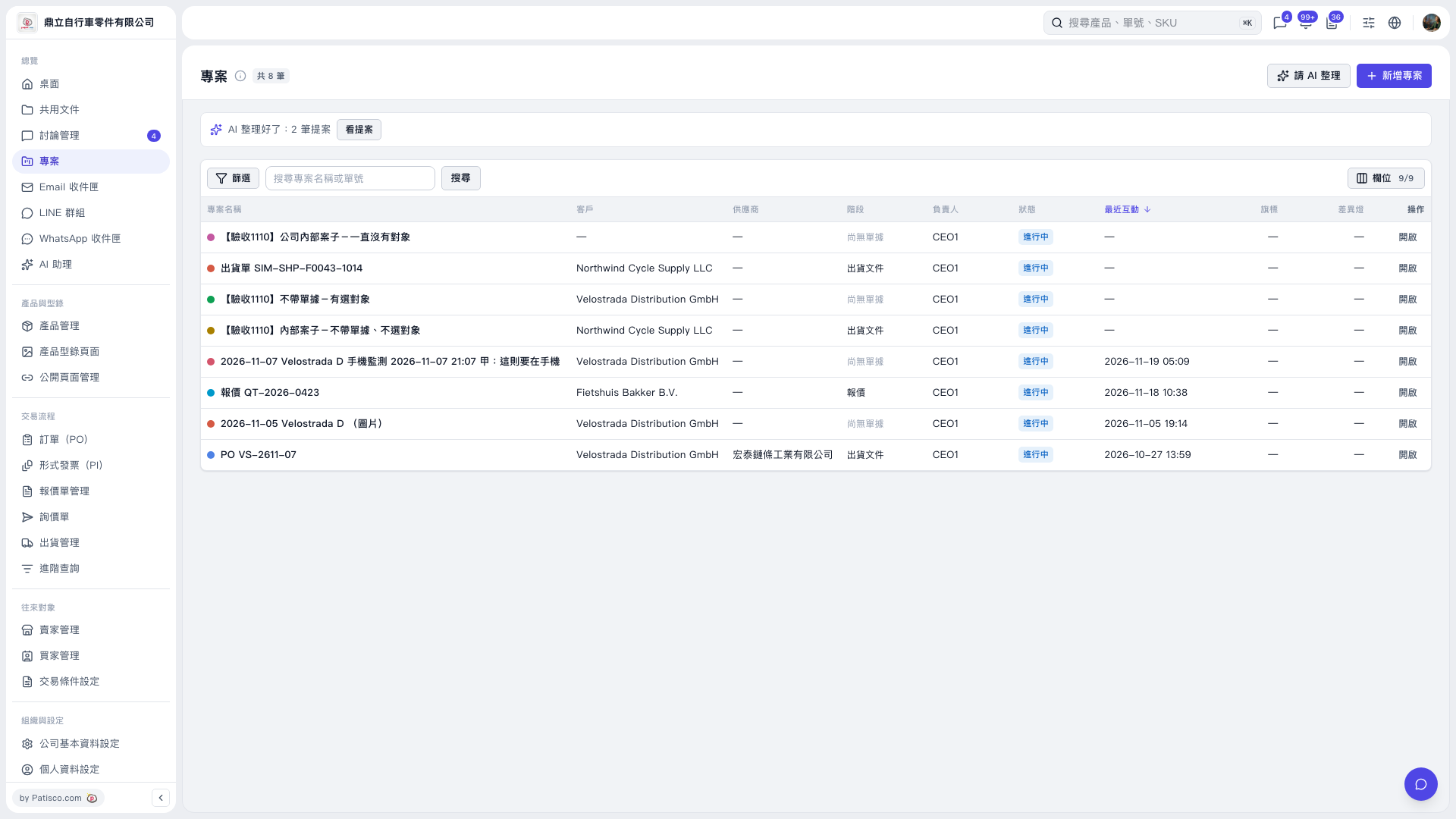
1. On the “Projects” page, click “Ask AI to Organize” in the upper-right corner to ask AI to help organize messages and suggest projects. You can ask: “Please organize the messages from the past 7 days that have not been linked to a project.” 2. Once the process is complete, click “View Proposals” in the AI organization notification bar above the list. In this test, there were 2 new project proposals, one for Ridgeline Bike Parts LLC and one for 永錩精密鍛造股份有限公司. 3. An example AI response is: “I scanned 42 messages from the past 7 days that have not been linked to a project and suggest creating 2 new projects. I could not determine which projects 35 messages belong to, so they will remain as they are. Another 28 messages already linked to projects will not be changed.”
 V5 新桌面版|專案