
1. In the project information section on the right, use the "Person in charge" drop-down menu to change the person in charge. 2. Use the "Status" drop-down menu to update the project status. 3. Enter follow-up items in the "Internal notes" field, then click "Submit". These notes are only visible to colleagues on our side.
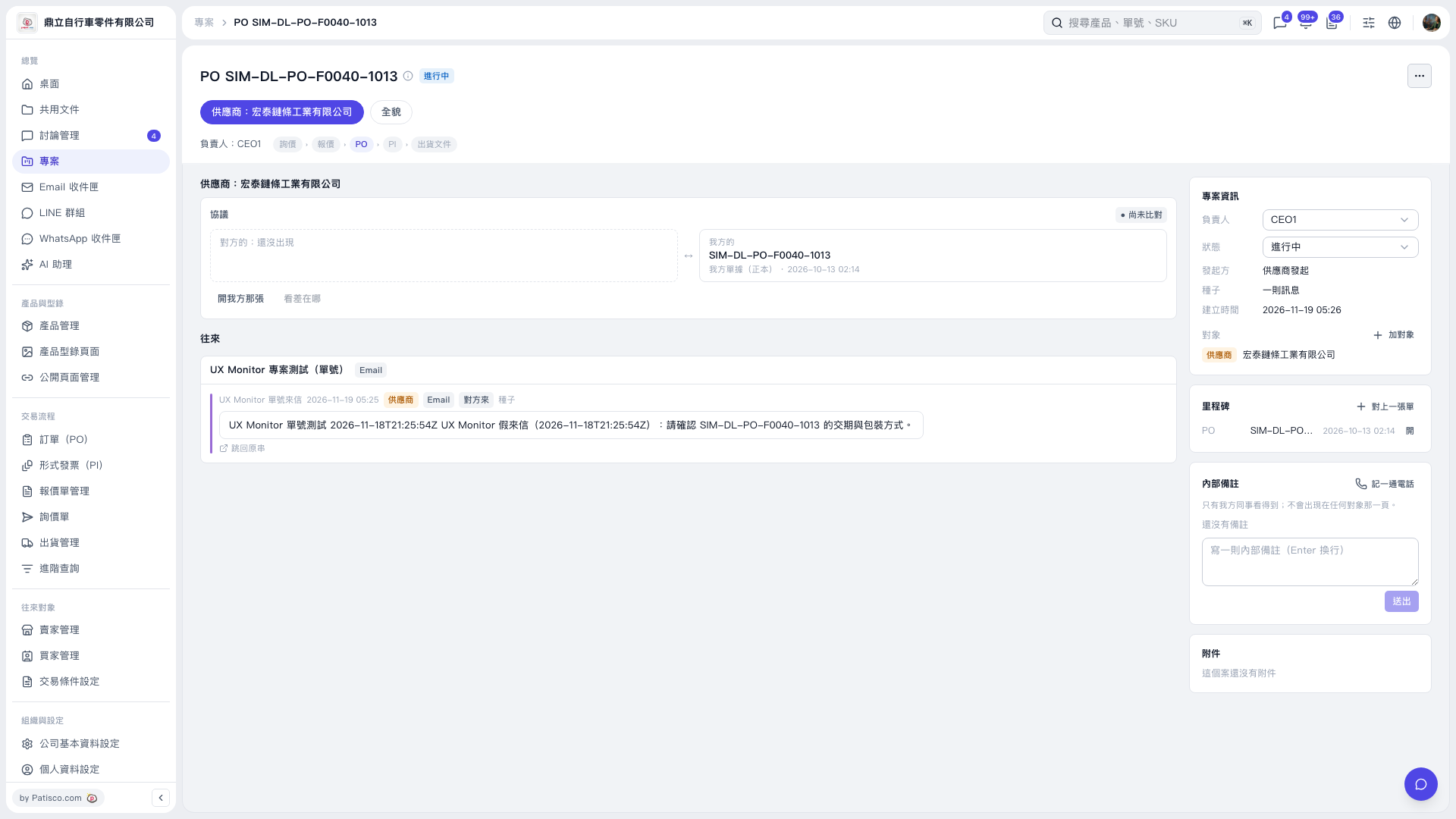 V5 新桌面版|PO SIM–DL–PO–F0040–1013