
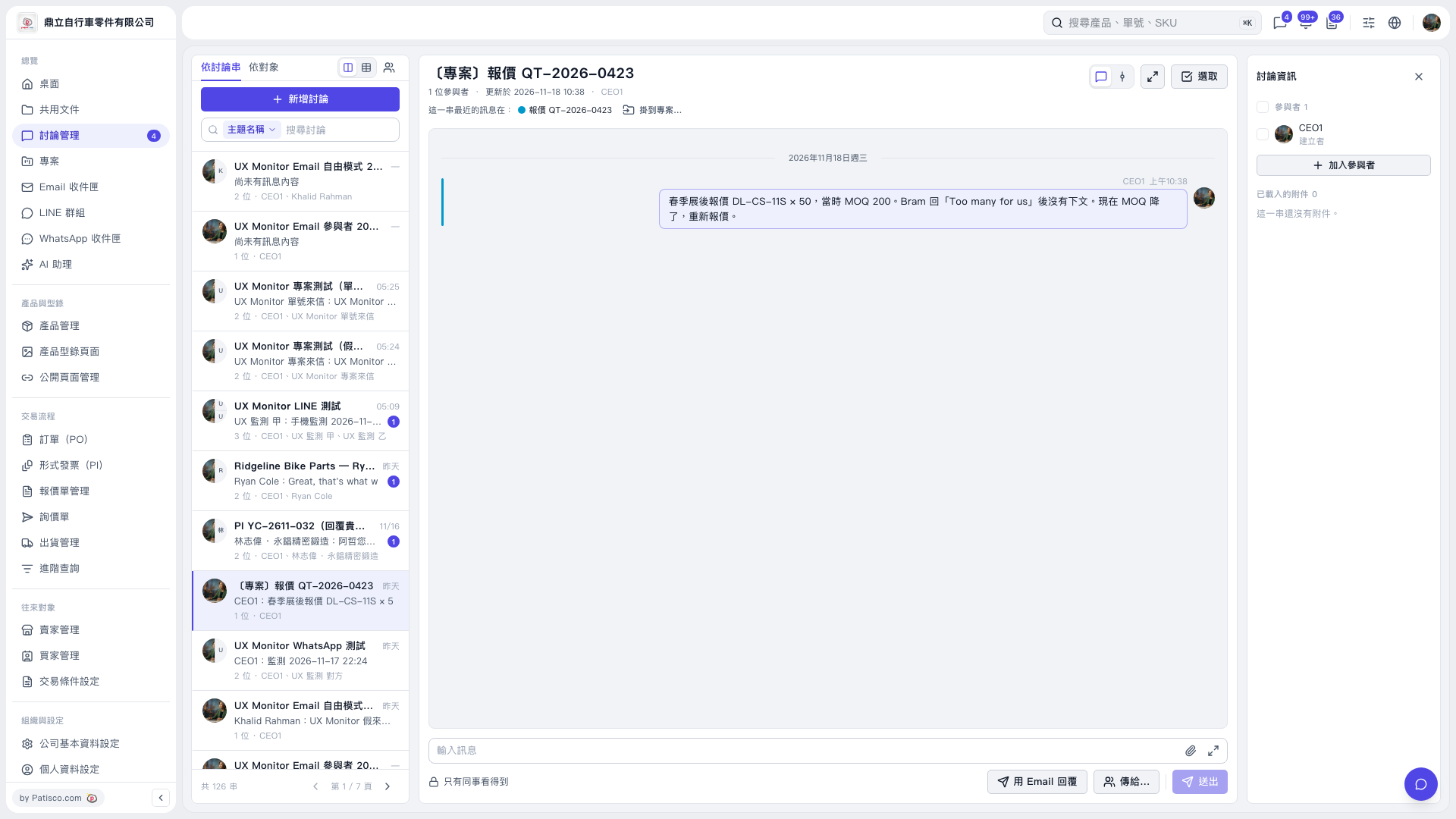
1. Enter a keyword in “Search discussions” on the left, then select the discussion thread you want to open. 2. Check the participants under “Discussion Information” on the right. 3. Enter your content in “Enter a message” at the bottom. To attach a file, click the paperclip icon. 4. Click “Send” to send a message visible to colleagues.
 V5 新桌面版|〔專案〕報價 QT-2026-0423