
1. On "Dashboard (Analytics)," find "Documents to process" and check the "Overdue" and "Needs syncing" items. 2. Find the document to process by "Document number," "Trading partner," "Due date," and "Document status," then click its "Document number" to view and process it. 3. After returning to the dashboard, click "Refresh" to update the pending items. 4. To find other POs, click "All POs" in the "Recently updated POs" section.
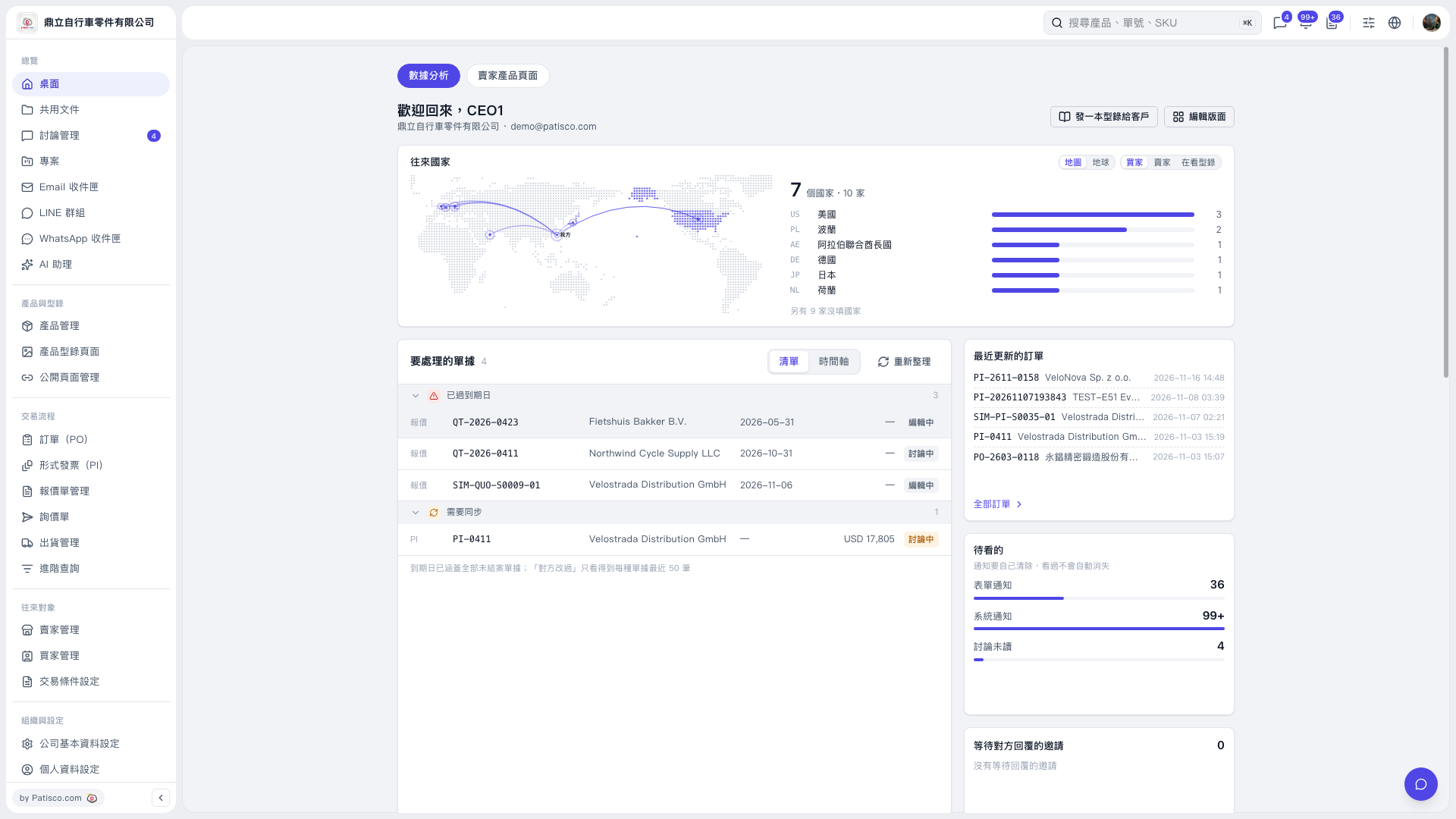 V5 新桌面版|桌面(數據分析)