
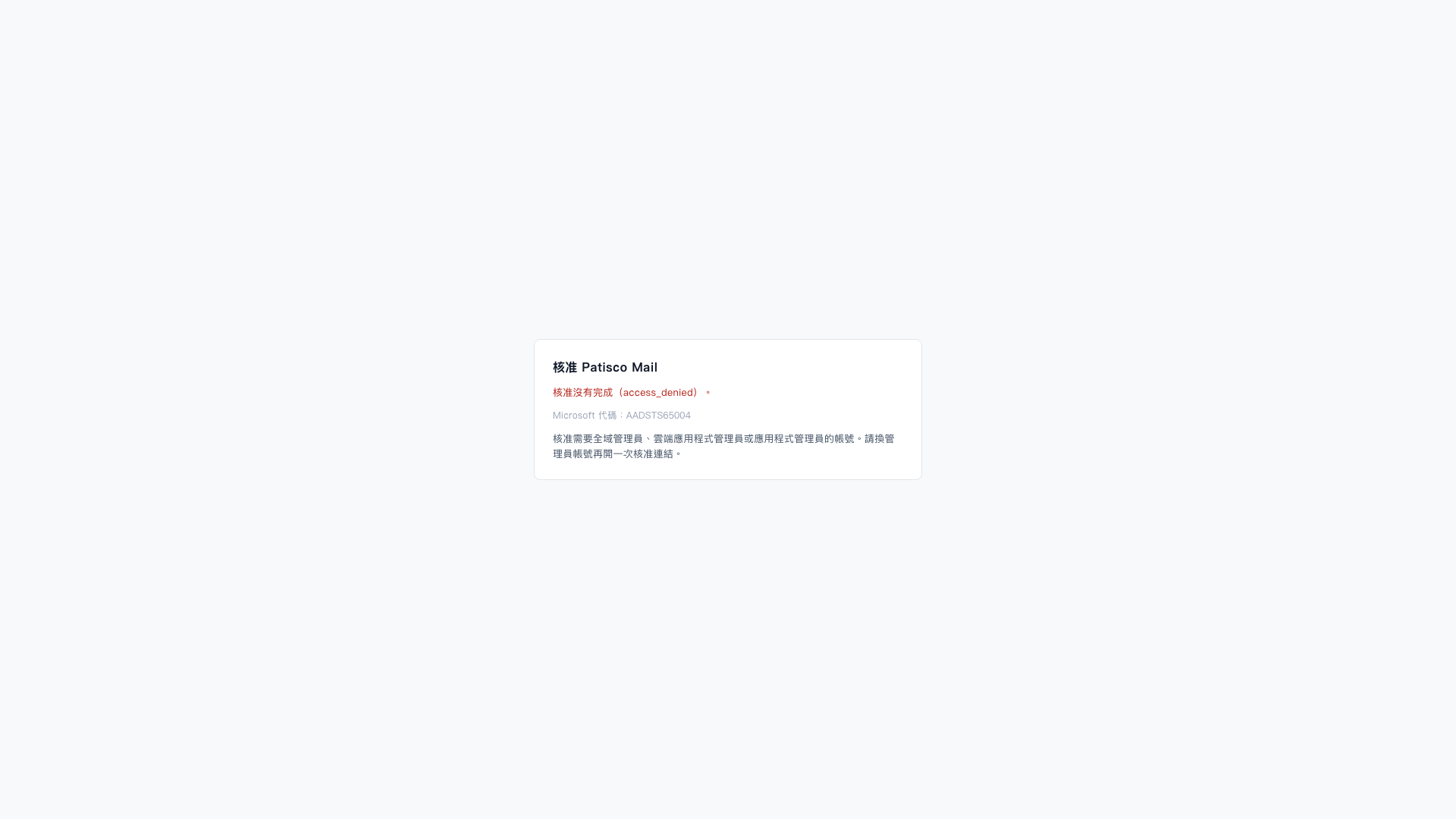
1. On the “Approve Patisco Mail” page, confirm that approval was not completed and that the error code is AADSTS65004, which indicates that the user did not consent to authorization. 2. Switch to an account with the “Global Administrator,” “Cloud Application Administrator,” or “Application Administrator” role. 3. Reopen the approval link and complete the approval using the administrator account.
 V5 新桌面版|核准 Patisco Mail