
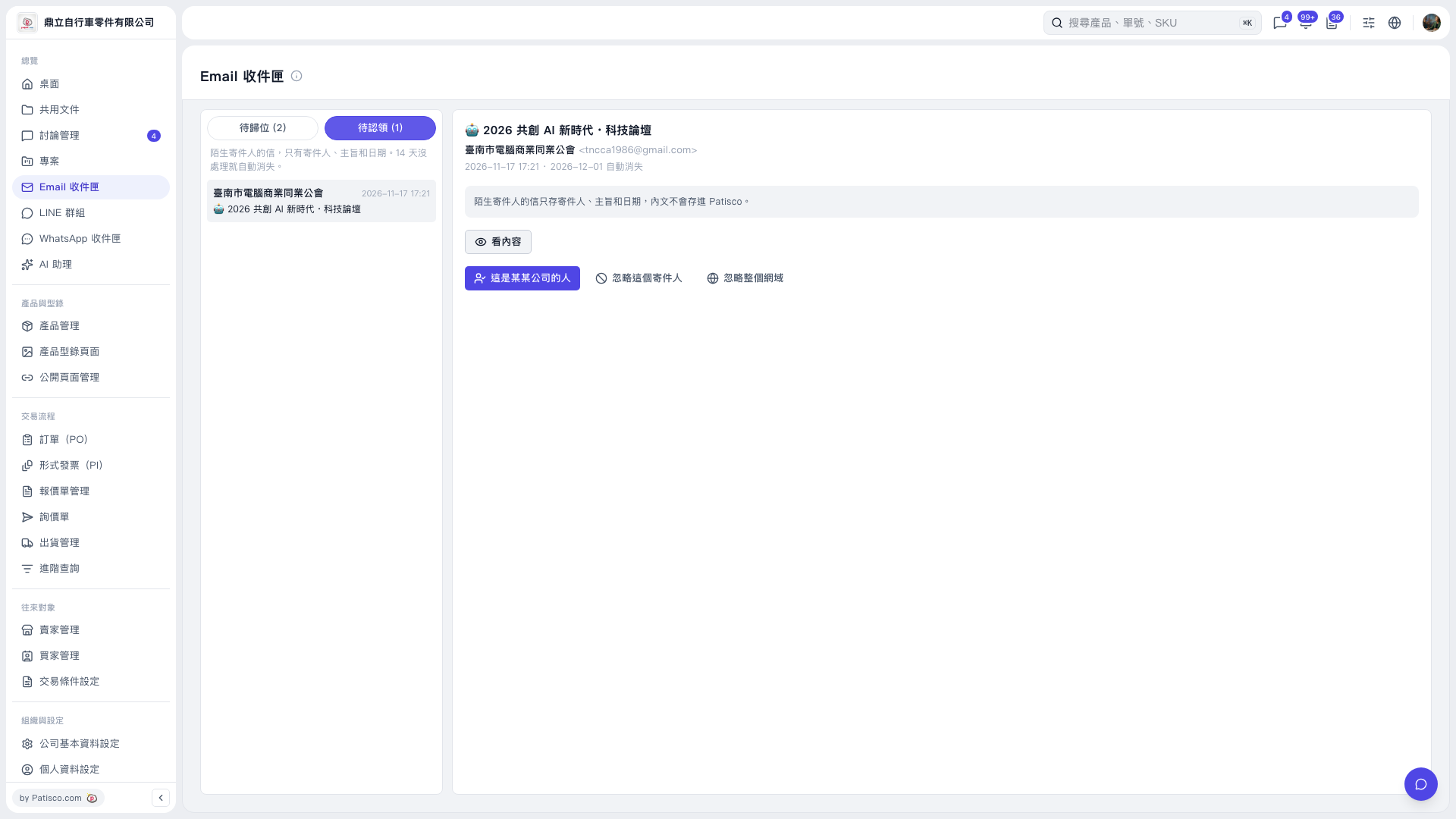
1. Click "Unclaimed (1)", then click the email you want to handle on the left. 2. If you recognize the sender, click "This Person Belongs to a Company" on the right to identify the company and claim the email. 3. If no action is needed, click "Ignore This Sender" or "Ignore Entire Domain" as appropriate. The latter ignores the sender's entire email domain. 4. Check the "Automatic Removal Date" and handle unclaimed emails within 14 days to prevent them from disappearing automatically.
 V5 新桌面版|Email 收件匣