
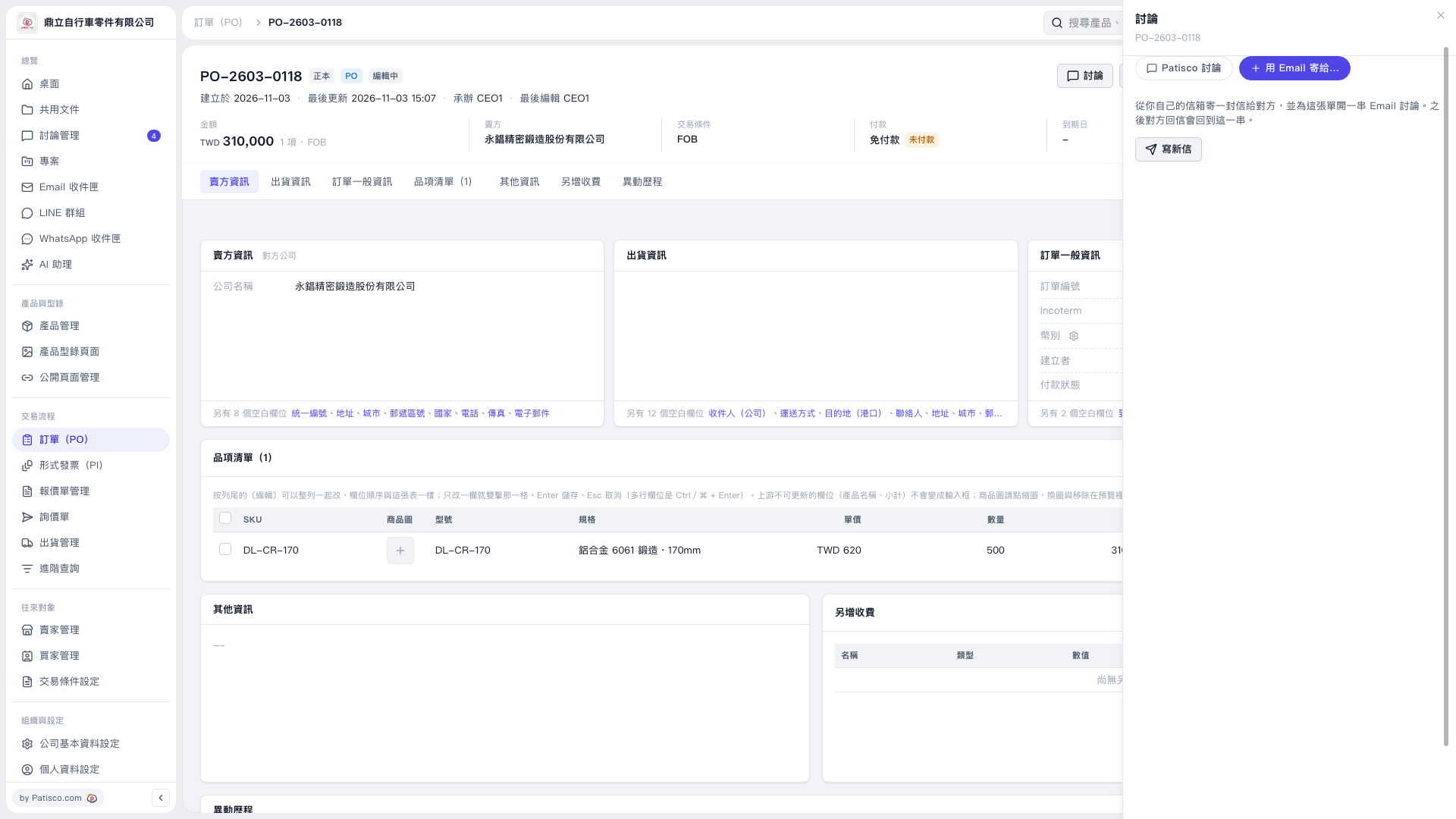
1. Open PO-2603-0118 and verify the seller, amount, and item details. 2. Click "Discussion" in the upper-right corner of the PO, then select "Send by Email to...". 3. Click "Compose New Email" to start writing the email. 4. Make sure "Attach a PDF of This PO" is checked. The PDF language shown on this screen is "English". 5. No seller email address is provided for this PO, so the recipient field is blank by default. Enter the other party's email address manually.
 V5 新桌面版|訂單 PO-2603-0118