1. On the “PO” page, find the collapse icon on the right at the bottom of the left sidebar. 2. Click the icon to collapse the left navigation bar.
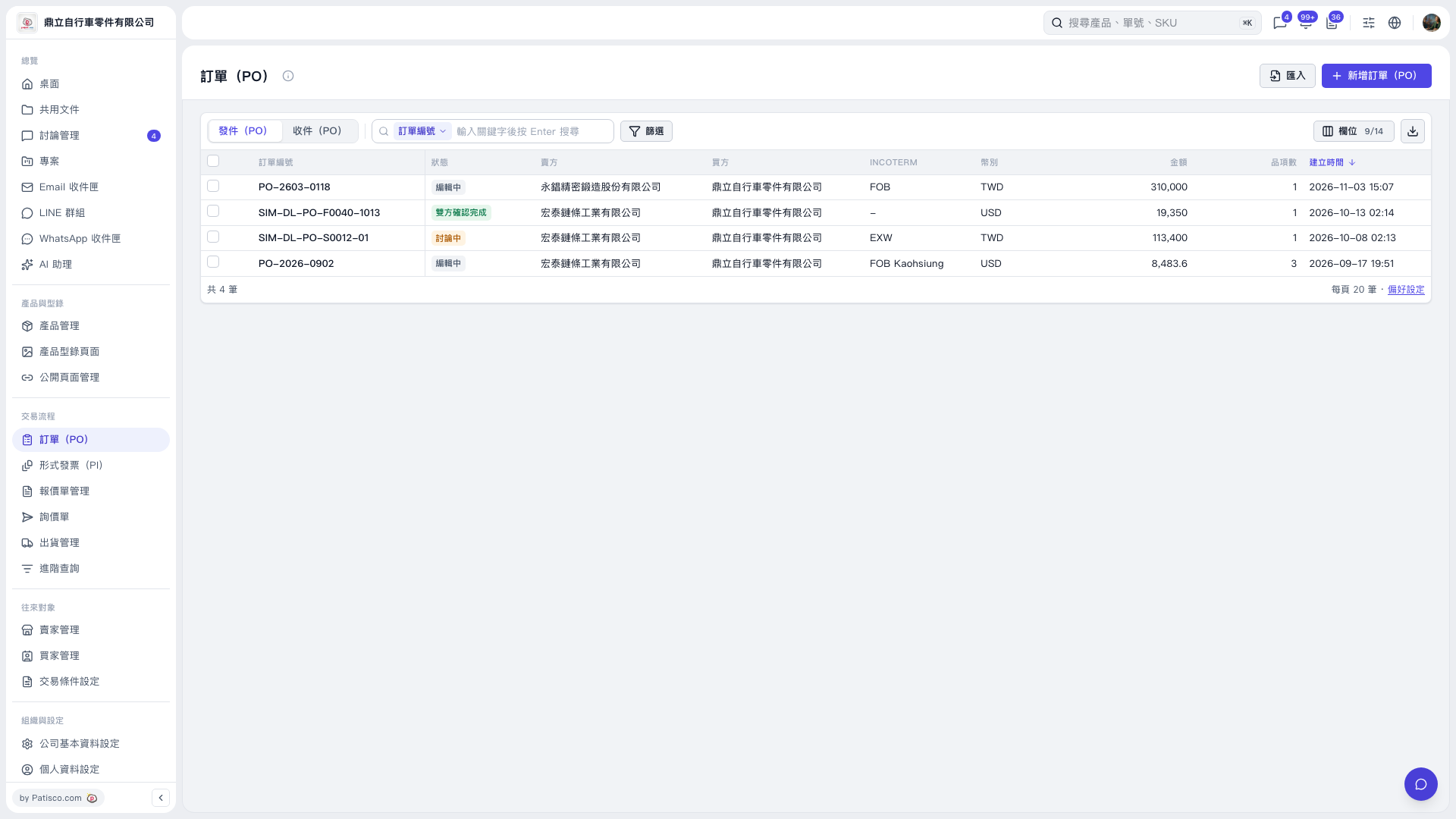 V5 新桌面版|訂單(PO)

1. On the “PO” page, find the collapse icon on the right at the bottom of the left sidebar. 2. Click the icon to collapse the left navigation bar.
V5 新桌面版|訂單(PO)