
1. Go to “Shipping Management” on the left and find “Unnumbered Shipping Document (300)” mentioned in the message. 2. Remove the line item you want to delete from that shipping document. 3. Return to the item's details page and click “Delete” in the upper right. 4. You can ask: “Why can't I delete this item?” AI would reply: “This item has already been added to the shipping document ‘Unnumbered Shipping Document (300)’. Remove this line from the shipping document first, then return to delete it.”
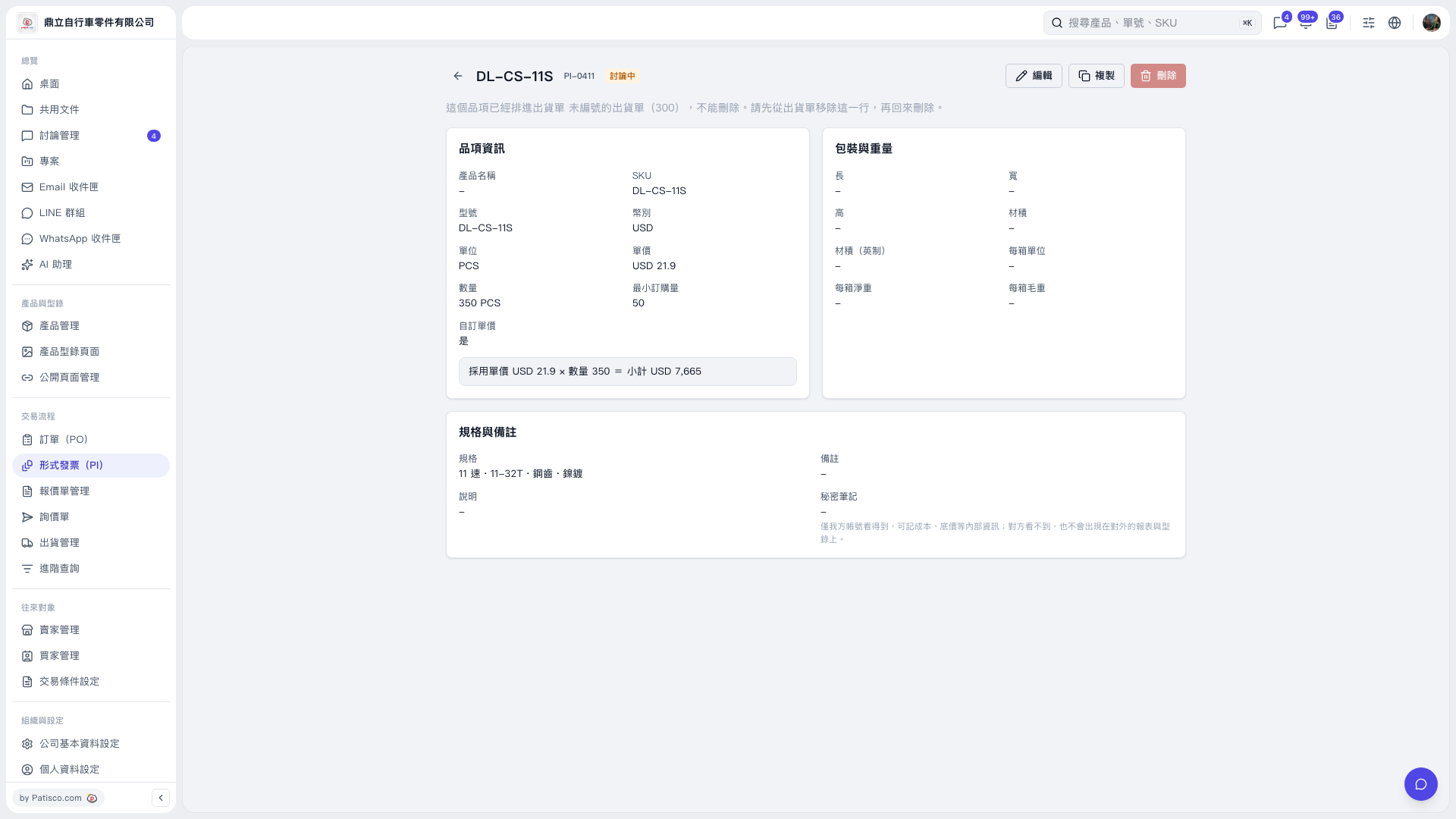 V5 新桌面版|DL–CS–11S