
1. On the item's details page, such as “DL–BB–68”, check the SKU, model, unit price, quantity, and specifications. 2. To make changes, click “Edit” in the upper right of the content area, adjust the data, and save. 3. After returning to the item's details page, confirm that the unit price, quantity, and subtotal are correct. 4. Click the back arrow to the left of the main title to return to the previous page.
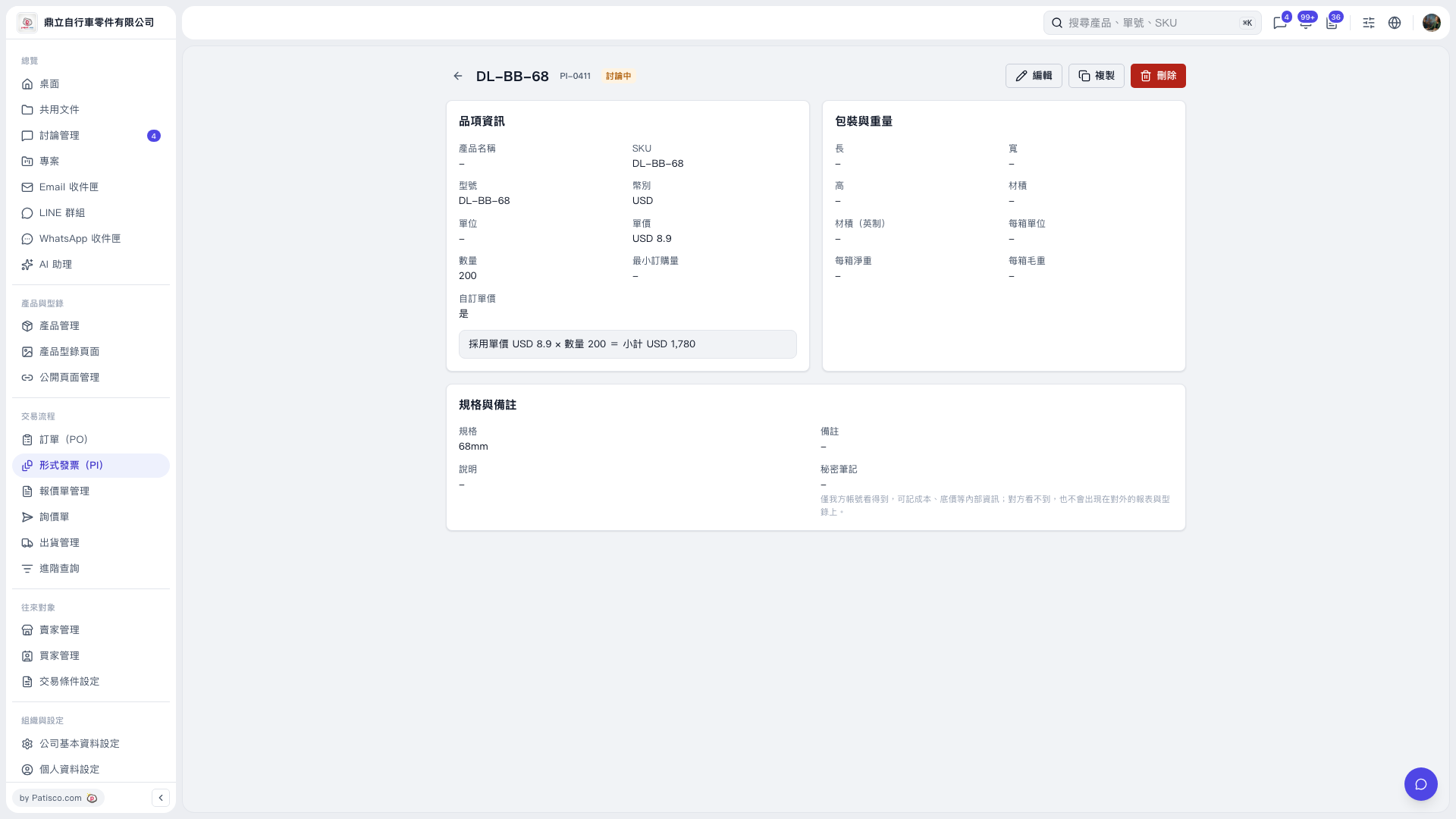 V5 新桌面版|DL–BB–68