
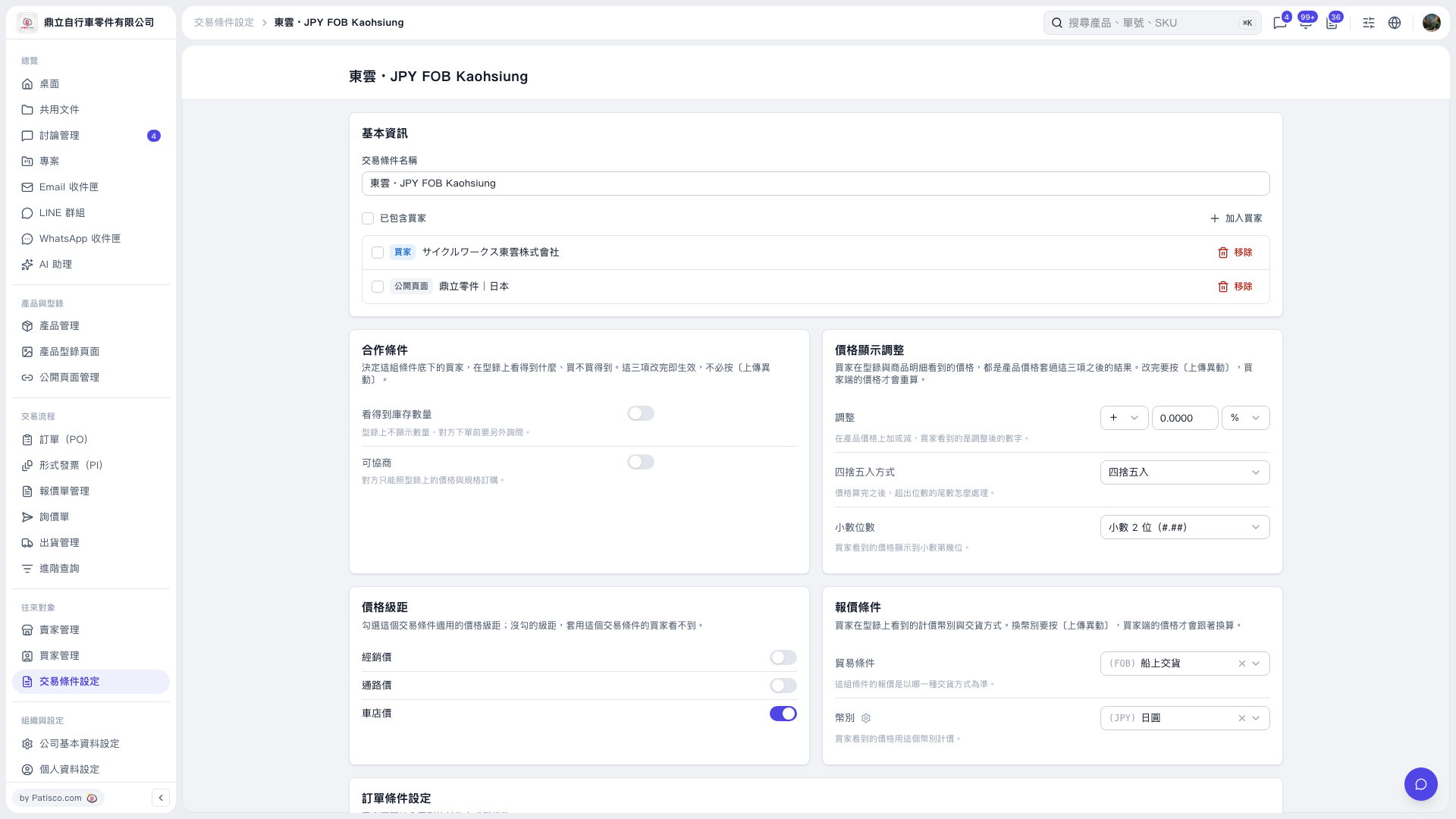
1. In the "Basic Information" section of Trading Condition Setting, click the "Trading Condition Name" field. 2. Replace the current name, "東雲 · JPY FOB Kaohsiung", with the name you want. 3. Scroll down and check whether there is an option to save. No save button is visible on the current screen, so the save method cannot be confirmed.
 V5 新桌面版|東雲 · JPY FOB Kaohsiung