
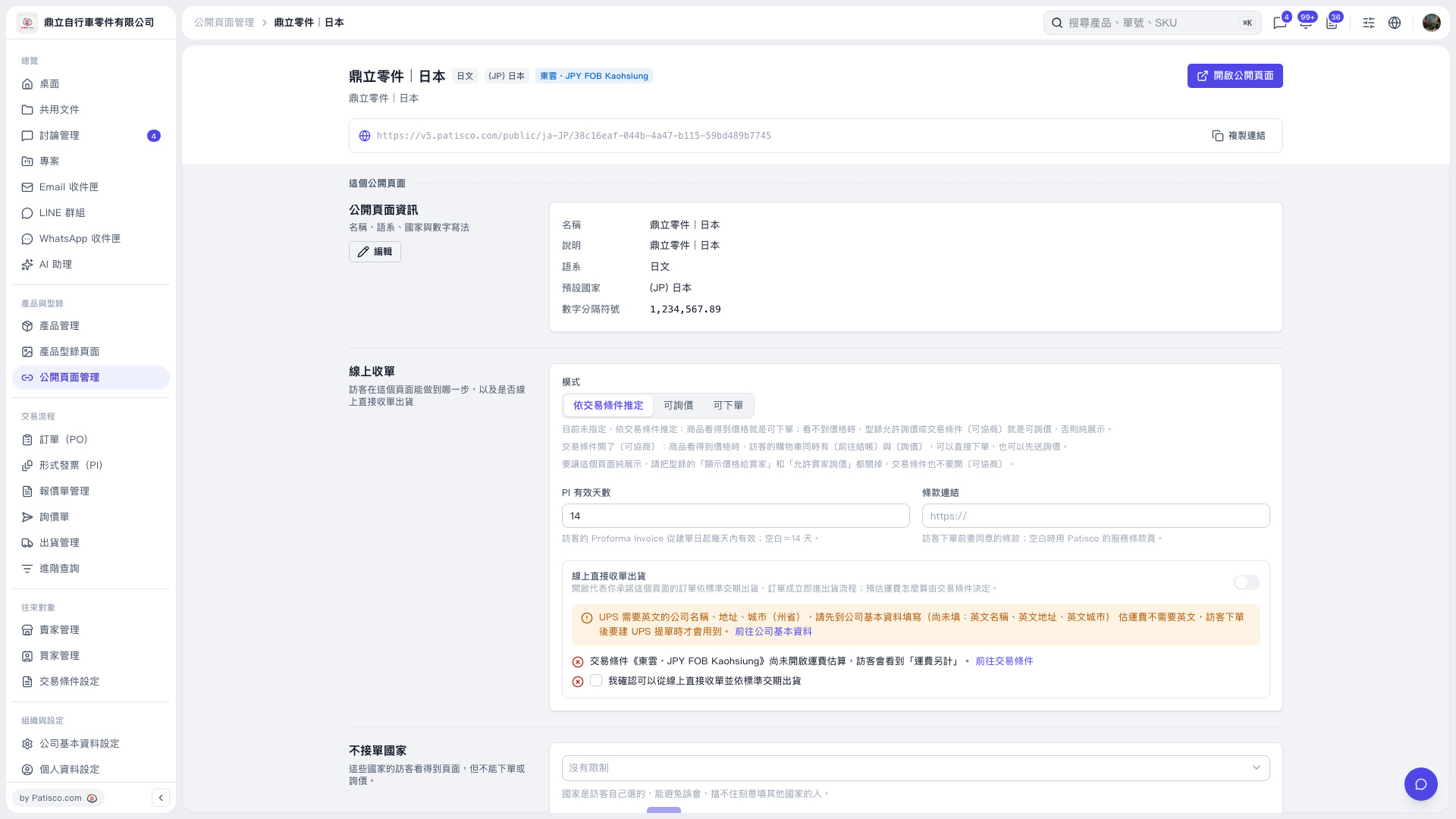
1. Review the information on the public page management screen. Click "Edit" if you need to change the name, description, language, default country, or number separator. 2. Under "Online Order Taking", set "Mode" to "Determine Based on Trading Conditions", "Allow Inquiries", or "Allow Orders". 3. Enter the "PI Validity Period (Days)" and, if needed, a "Terms Link". 4. To restrict certain countries, select them in the "Countries Not Accepted" dropdown. Visitors from these countries can still view the page but cannot place orders or submit inquiries. 5. Click "Open Public Page" in the upper-right corner to preview what visitors see, or click "Copy Link" to the right of the public URL field to get the URL and share it with customers.
 V5 新桌面版|鼎立零件 | 日本