
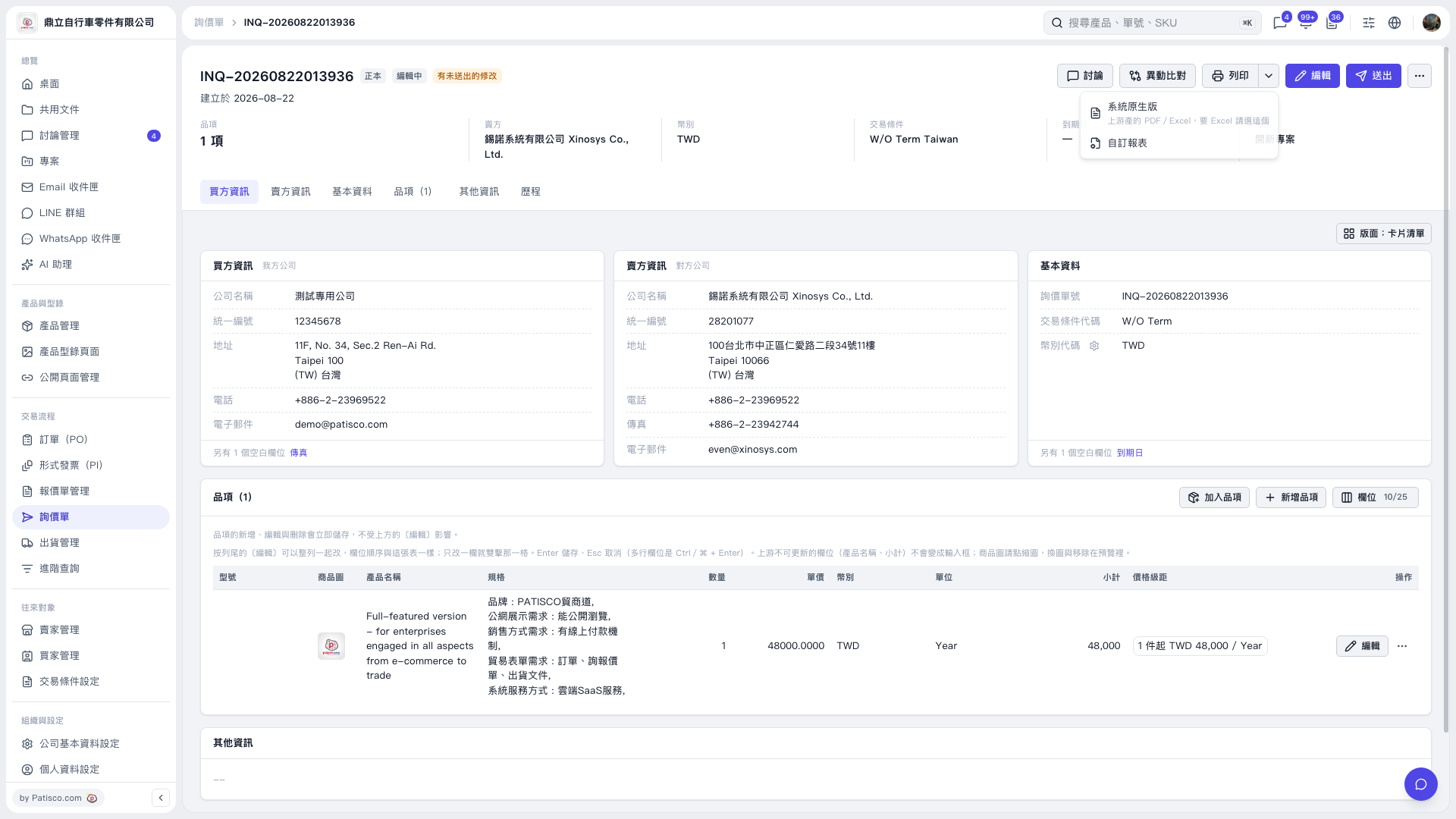
1. Open the inquiry you want to print, then check the inquiry number, buyer and seller information, and item details. 2. Click the drop-down arrow next to “Print” in the upper-right corner to open the print menu. 3. Select “System Native Version” or “Custom Report” as needed. The menu indicates that “System Native Version” should be selected for upstream-generated PDF/Excel files. To use a custom report, select “Custom Report”. 4. Complete the operation on the report or print screen that appears next.
 V5 新桌面版|詢價單 INQ-20260822013936