
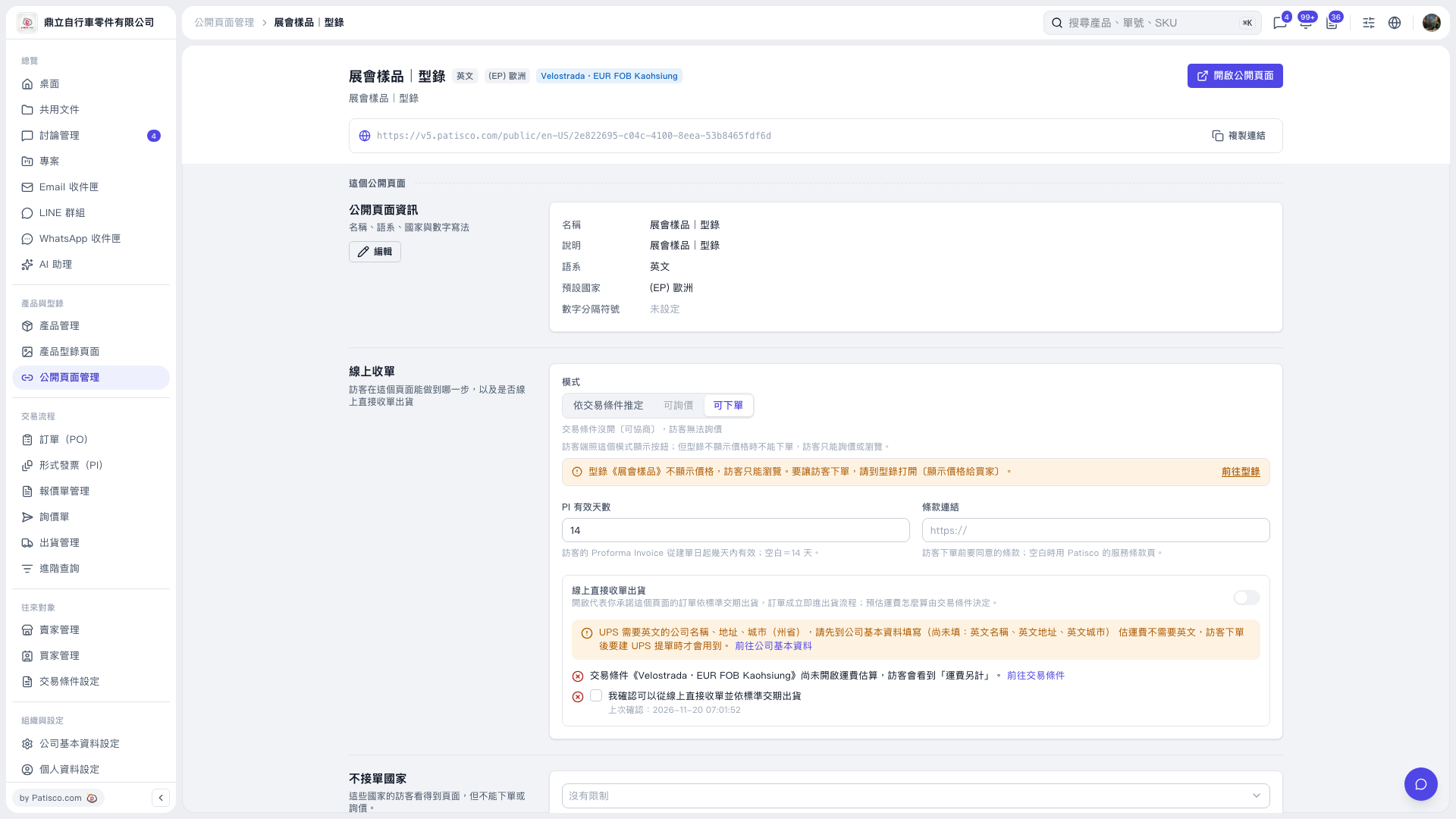
1. In the "Online Ordering" section, confirm that "Mode" is set to "Allow POs". 2. For visitors to place POs, "Show Prices to Buyers" must also be enabled in the catalog. Click "Go to Catalog" next to the prompt and enable this setting. If prices are not displayed, visitors can only browse even when "Allow POs" is selected. 3. Click "Open Public Page" in the upper-right corner to see the page visitors can access. To share it with buyers, click "Copy Link" to copy the public page URL.
 V5 新桌面版|展會樣品|型錄