
1. In the “Login Page Subdomain Settings” section of “Company Information Settings”, enter a “Subdomain”. 2. Check the “Login URL” below, then click “Save”. The system will notify an administrator to activate the URL. 3. Turn “Allow Buyers to Apply Online” on or off as needed. 4. Click “Upload Image” below the “Login Page Image” field and select a JPG file. The image will upload immediately; you do not need to click “Save” again.
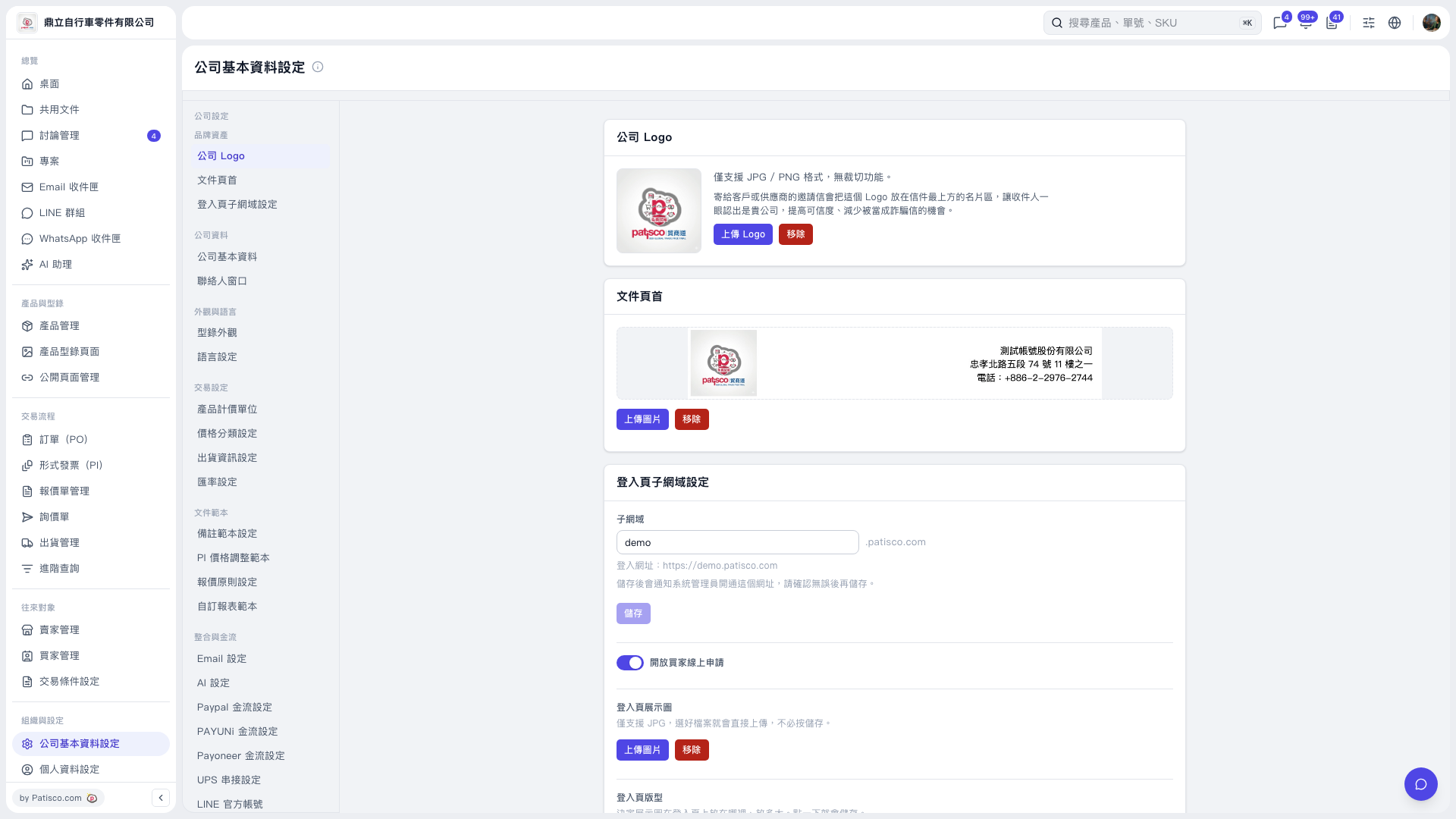 V5 新桌面版|公司基本資料設定