
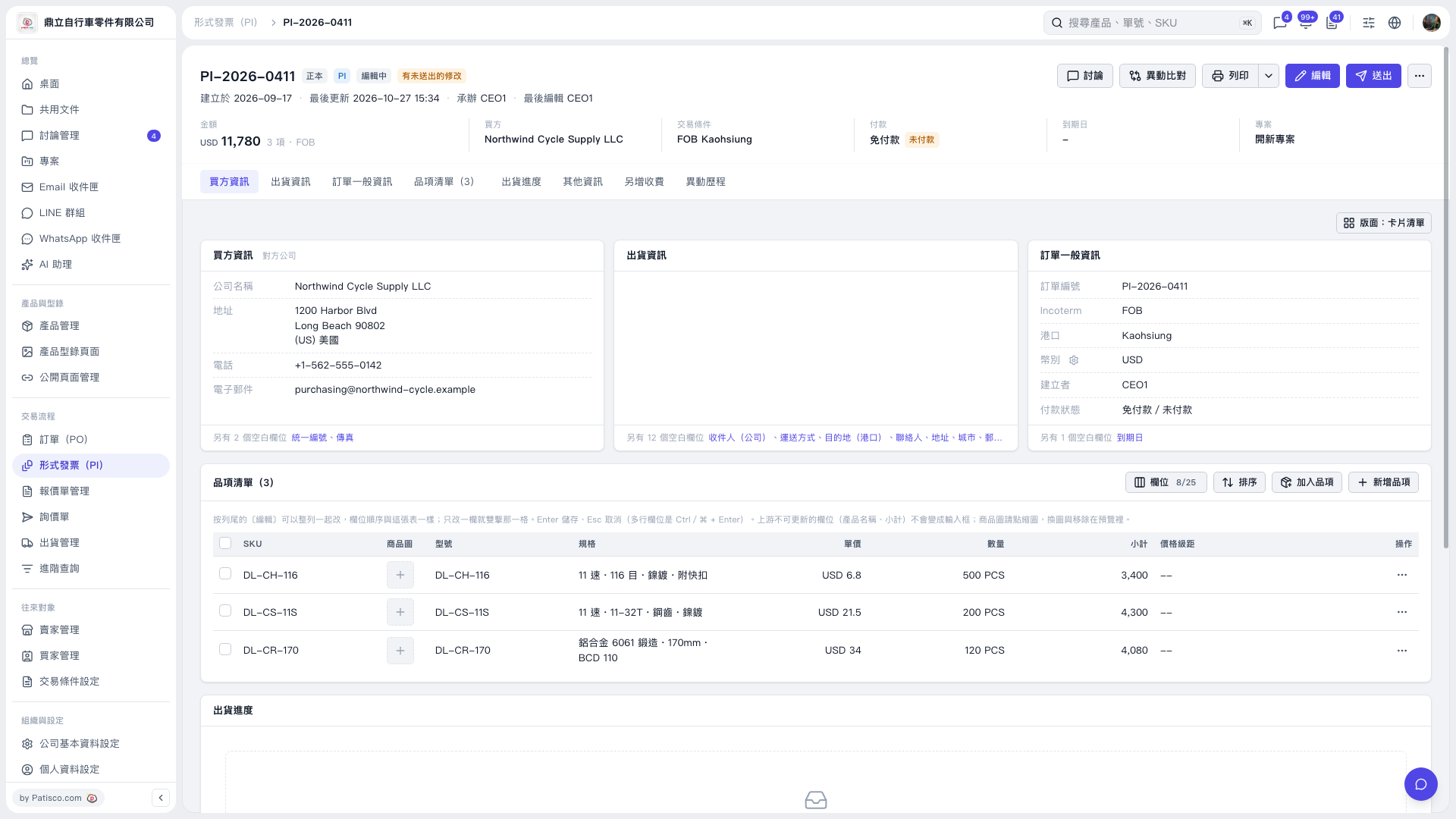
1. Open the Proforma Invoice you want to view and check the payment information in the “Payment” summary at the top of the page. 2. Check “Payment Status” in the “General Order Information” card on the right to verify the payment status. 3. To change the payment details, click “Edit” in the upper-right corner to enter Proforma Invoice editing mode.
 V5 新桌面版|PI–2026–0411