
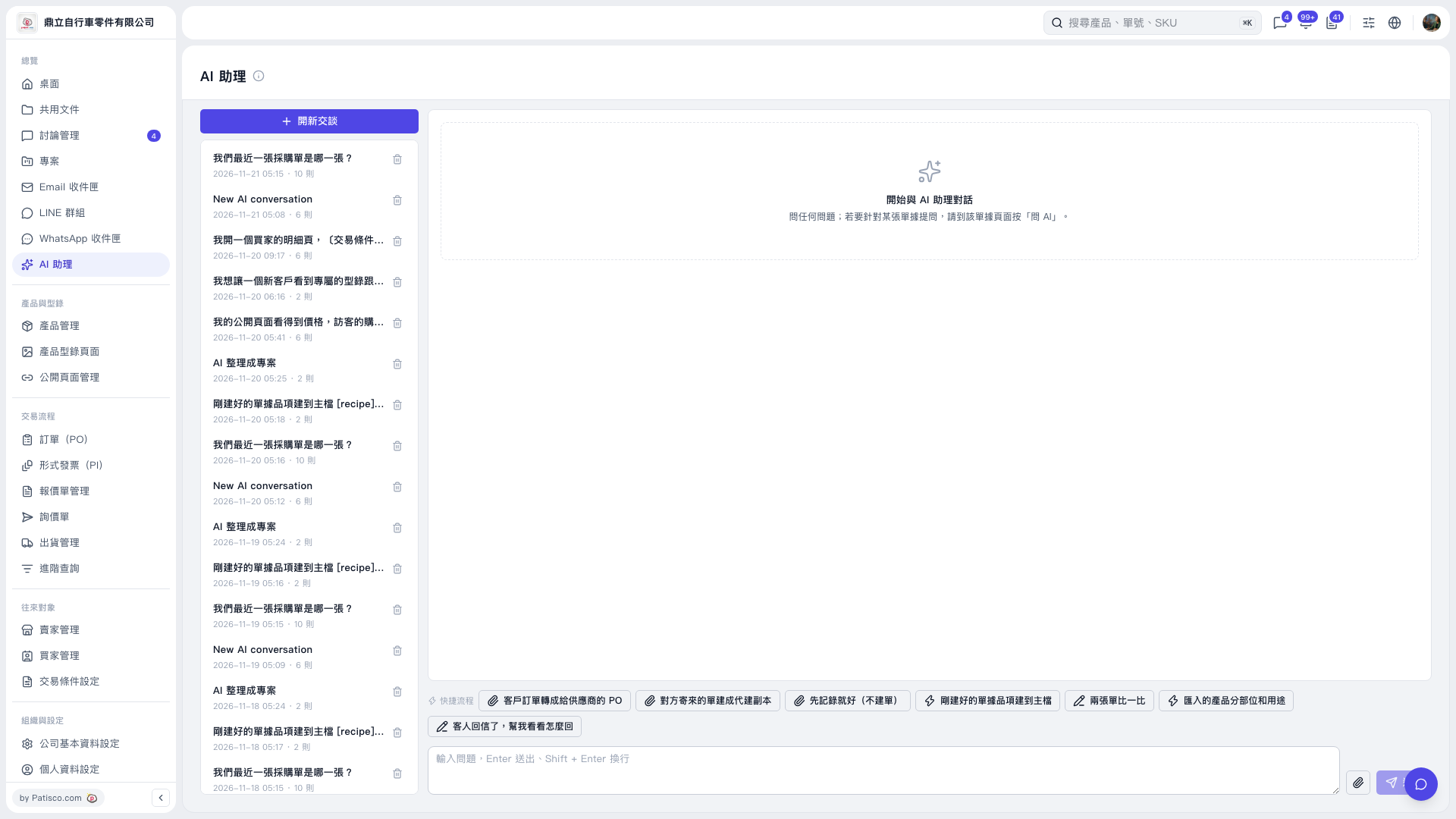
1. Below the conversation area in “AI assistant”, click the workflow shortcut you need. For example, select “Compare Two Documents” to compare documents, or “Convert a Customer PO into a Supplier PO” to convert a customer PO into a PO for a supplier. 2. If you only want to record information without creating a document, select “Just Record the Information (Do Not Create a Document)”. For help replying to a customer’s email, select “The Customer Replied—Help Me Work Out a Response”. 3. After selecting a shortcut, follow the conversation prompts to provide information and continue.
 V5 新桌面版|AI 助理