
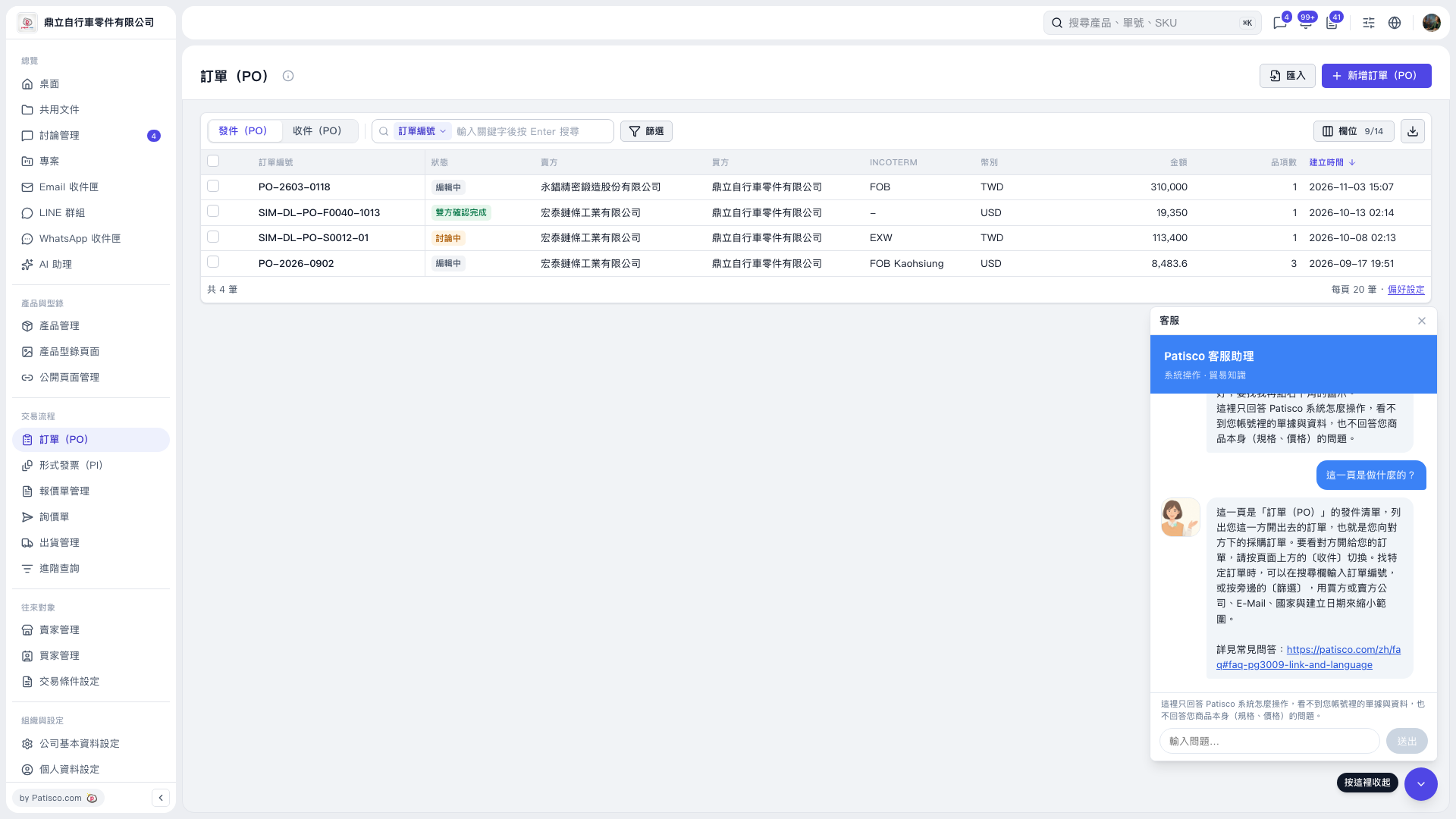
1. On the “PO” page, click “Sent (PO)” to view POs issued by your side, or click “Received (PO)” to view POs issued to your side by the other party. 2. Select “PO Number” in the search bar, enter a keyword, and press Enter. You can also click “Filter” to narrow down the search. 3. Click a PO number in the list to view its contents. 4. You can ask AI: “What is the difference between Sent (PO) and Received (PO)?” AI will reply: “Sent contains POs issued by your side. To view POs issued to you by the other party, switch to Received.”
 V5 新桌面版|訂單(PO)