
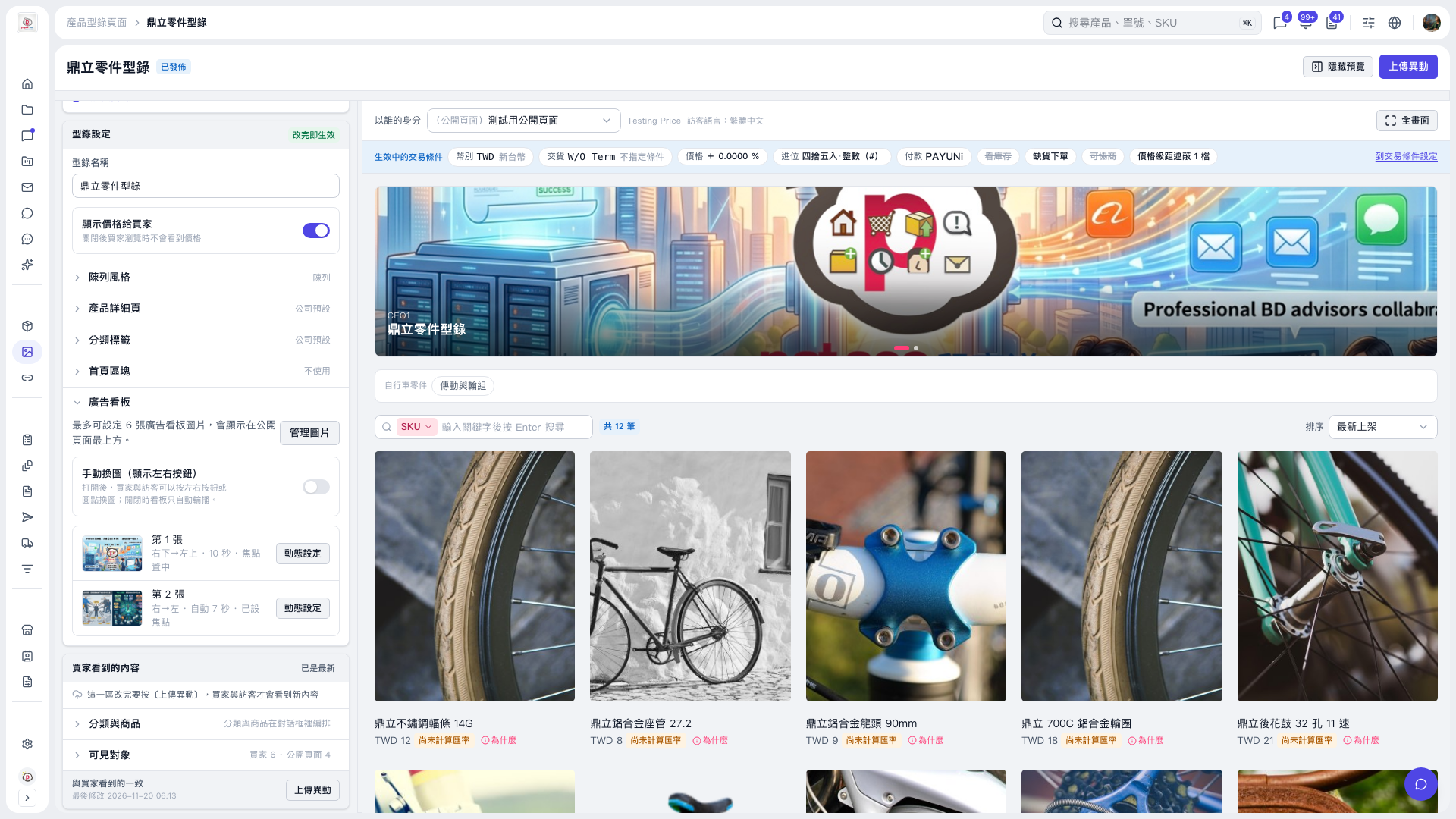
1. On the catalog editing page, expand “Banner” on the left and find the image you want to configure. If you need to adjust the images, click “Manage Images.” 2. Click “Animation Settings” to the right of that image to configure its animation. 3. When finished, return to the preview to check the playback effects. “Banner” is in the “Changes Take Effect Immediately” section, so changes take effect as soon as you make them.
 V5 新桌面版|鼎立零件型錄