
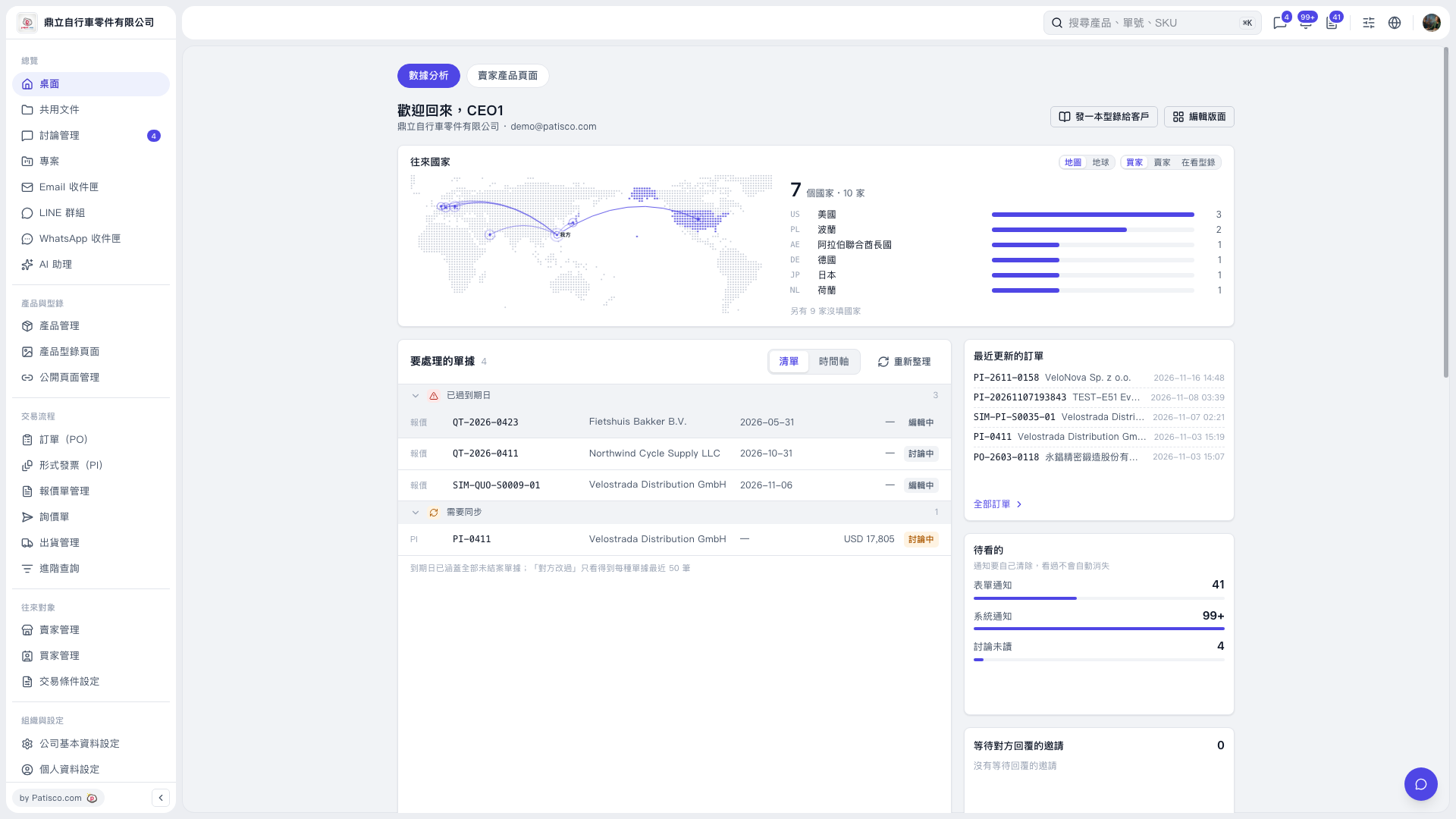
1. In the dashboard’s Documents Requiring Attention section, review the Overdue and Sync Required groups. 2. Find the document that needs attention by its document number, trading partner, due date, and status, then click the document number to open its contents. 3. After returning to the dashboard, click Refresh to update the list. You can also switch to the Timeline view. 4. To find other POs, click a document number in Recently Updated POs, or click All POs to view the full list.
 V5 新桌面版|桌面(數據分析)