
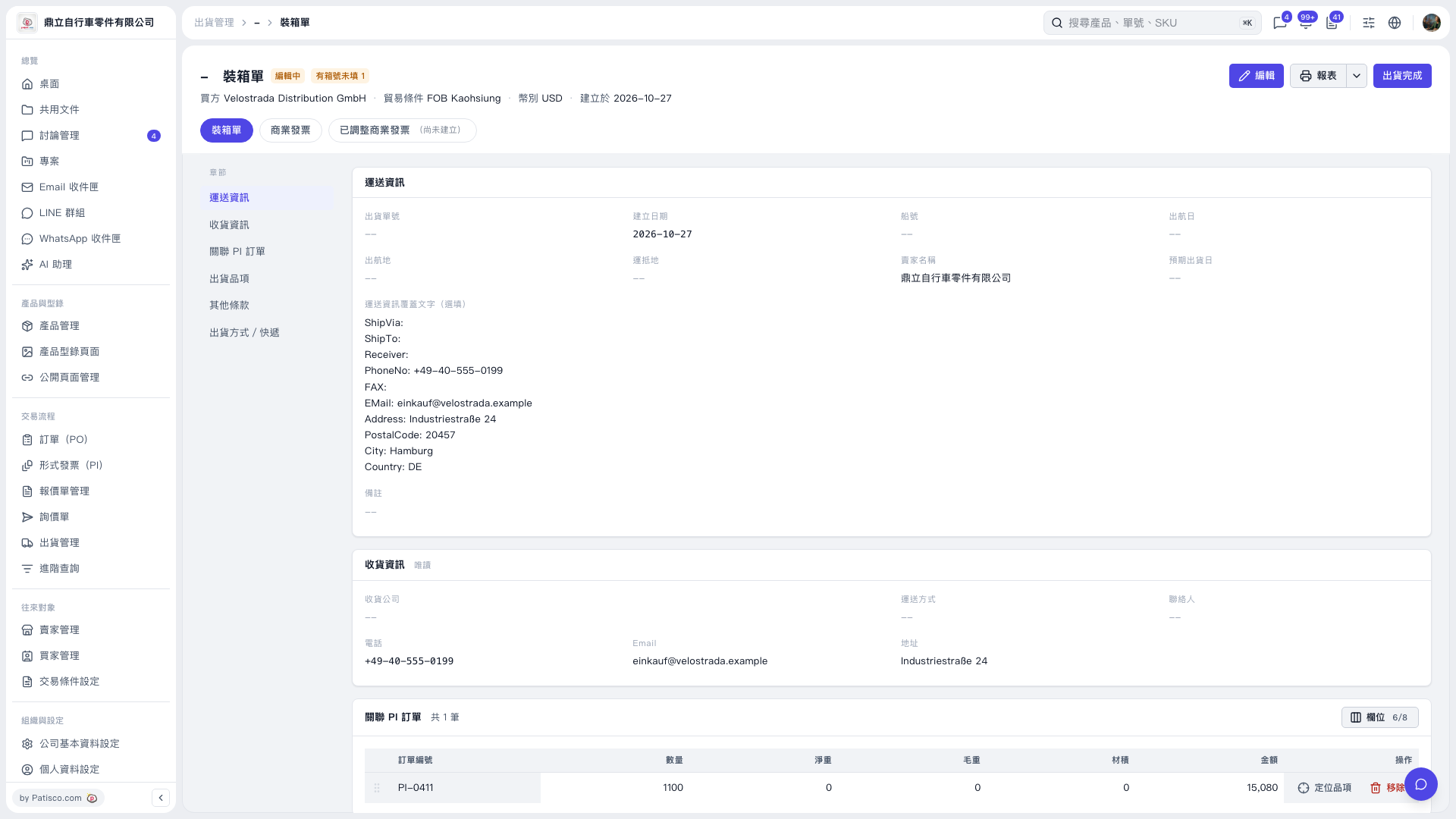
1. Click Edit in the upper-right corner of the packing list. 2. Go to the Shipment Items section, check for missing carton numbers and fill them in, then save the data using the save controls on the editing screen. 3. Return to the packing list and check whether the Missing Carton Numbers message next to the title has disappeared.
 V5 新桌面版|裝箱單