
1. On the Packing List page, verify the shipment number, shipping information, and recipient information. To make changes, click Edit in the upper-right corner. 2. Use the Section Navigation on the left to check the linked PI POs, shipment items, other terms, and shipping method/courier. 3. To view shipping documents, click Reports or switch to Commercial Invoice. 4. After confirming that the shipment data is correct, click Shipment Completed in the upper-right corner to mark this shipment as complete.
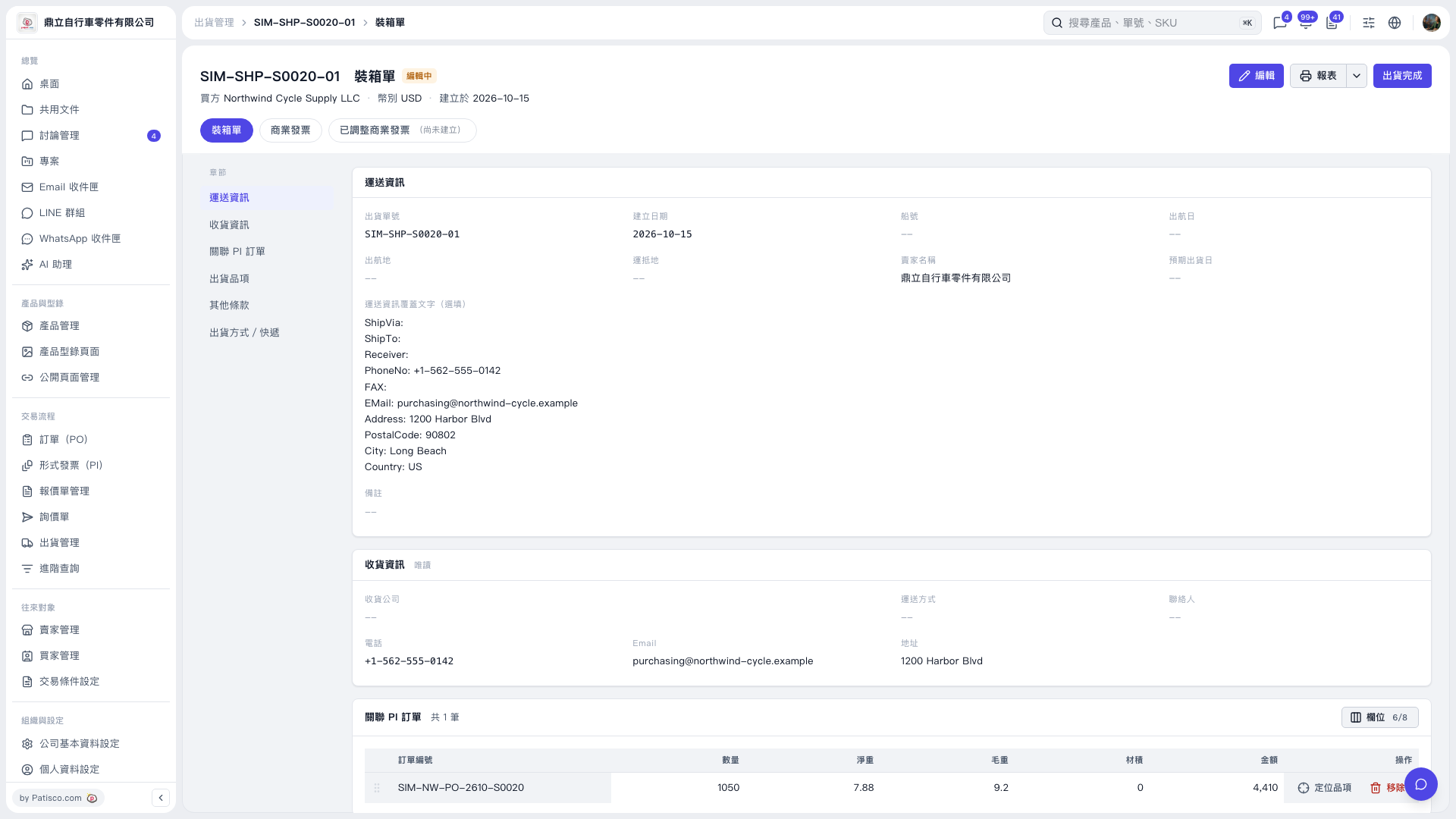 V5 新桌面版|SIM-SHP-S0020-01 裝箱單