
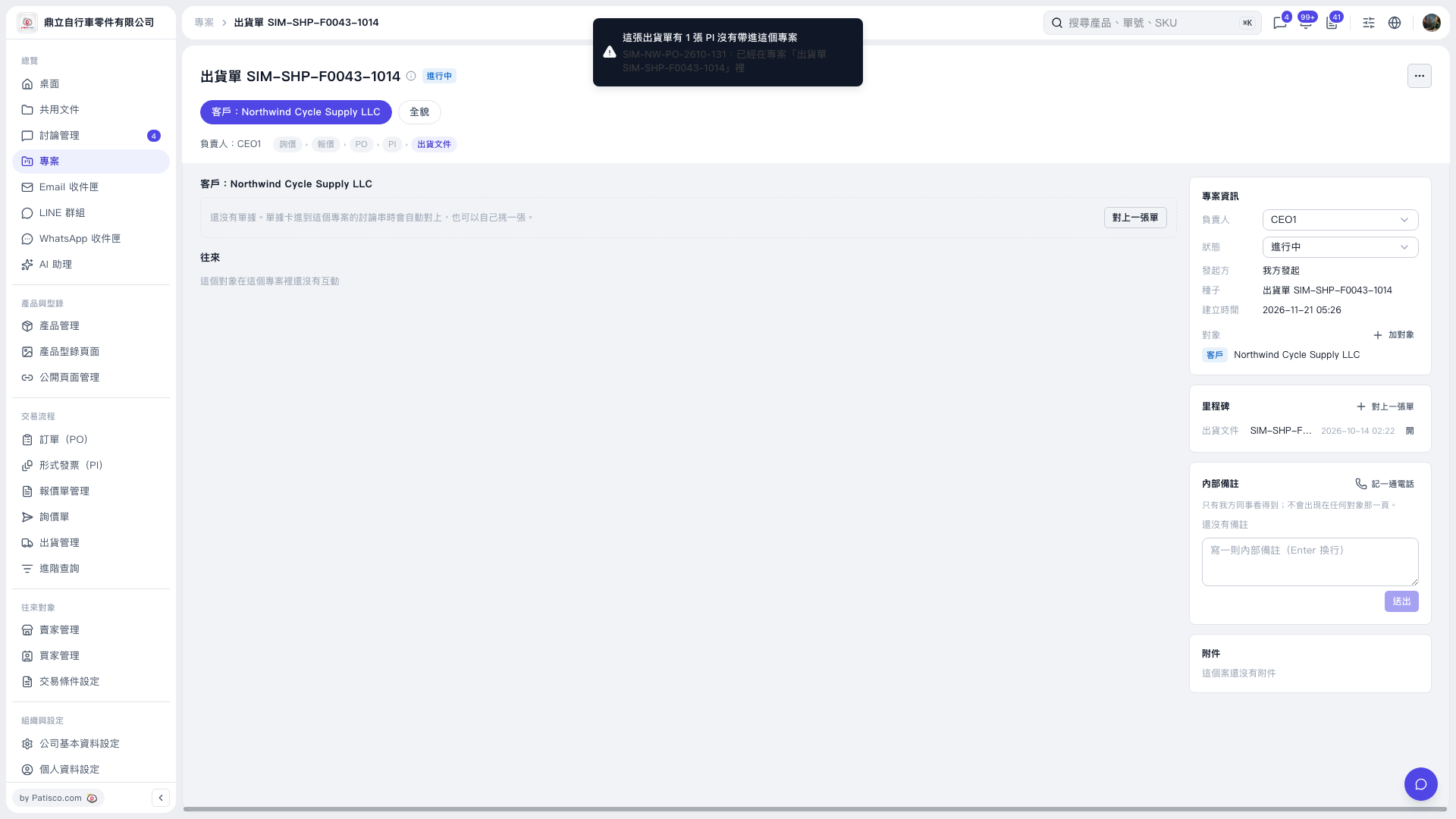
1. Check the page title, Customer, and project information on the right to confirm that this is the shipment project you want to work with. 2. Click Link a Document to start linking related documents. If a related PI is already in another project, a message at the top of the page will indicate that it was not included. 3. In the Shipping Documents row under Milestones on the right, click Open to view the linked documents.
 V5 新桌面版|出貨單 SIM–SHP–F0043–1014