
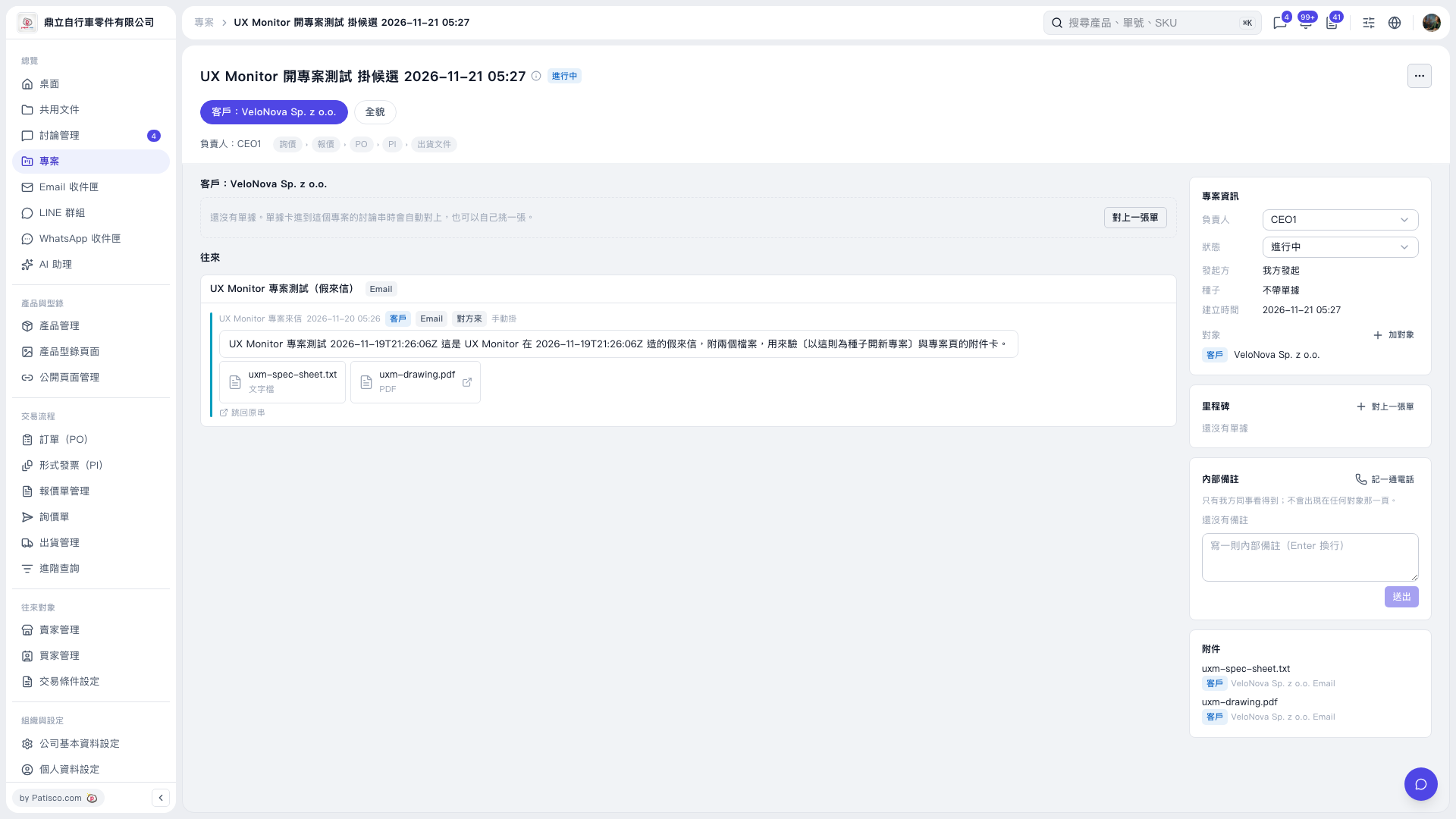
1. Open the project you want to update and first check the project name and counterparty. 2. In the "Project Information" section on the right, click the "Person in Charge" dropdown. 3. Select the person you want to assign. 4. Confirm that the "Person in Charge" field shows the person you selected.
 V5 新桌面版|UX Monitor 開專案測試 掛候選 2026–11–21 05:27