
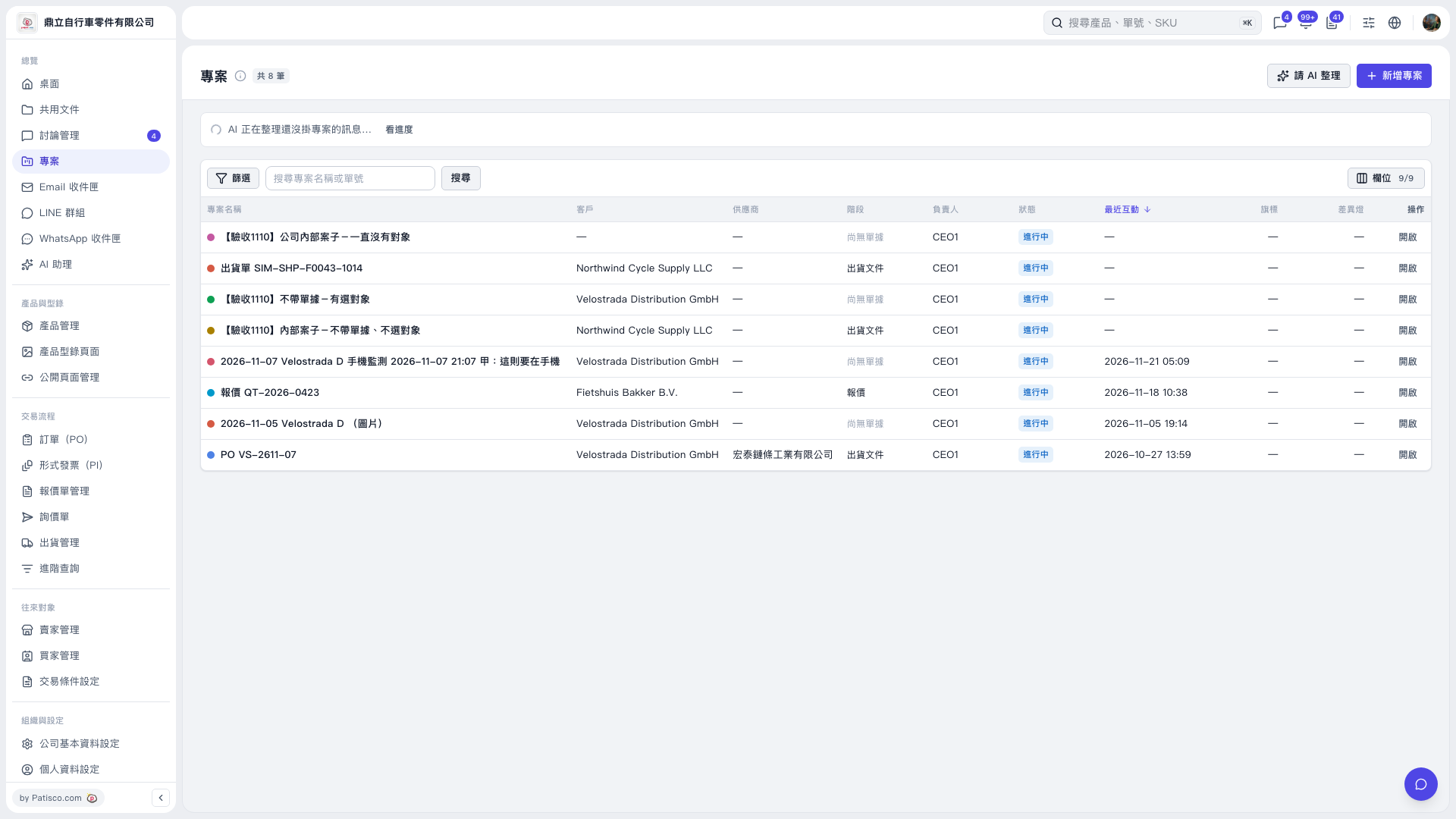
1. On the "Projects" page, click "Ask AI to Organize" in the upper right. 2. Click "View Progress" in the AI organization notification bar above the list to check the progress. 3. Once organization is complete, you can view the summary and project proposals. AI will suggest which messages are suitable for creating new projects. Messages that cannot be identified as belonging to a particular business deal will remain as they are, and messages already in projects will not be changed.
 V5 新桌面版|專案