
1. On the left side of the “Categories and Products” window, click the category you want to view. 2. Filter products using “All,” “Added,” or “Not Added.” You can also enter a name or item number in “Search by Name or Item Number (Current Page Only)” to search for products on the current page. 3. Toggle “In Catalog” in a product's row to choose whether to include it in the catalog. 4. To view a product's details, click “Preview” in its row. 5. When finished, click the X in the upper-right corner to close the window.
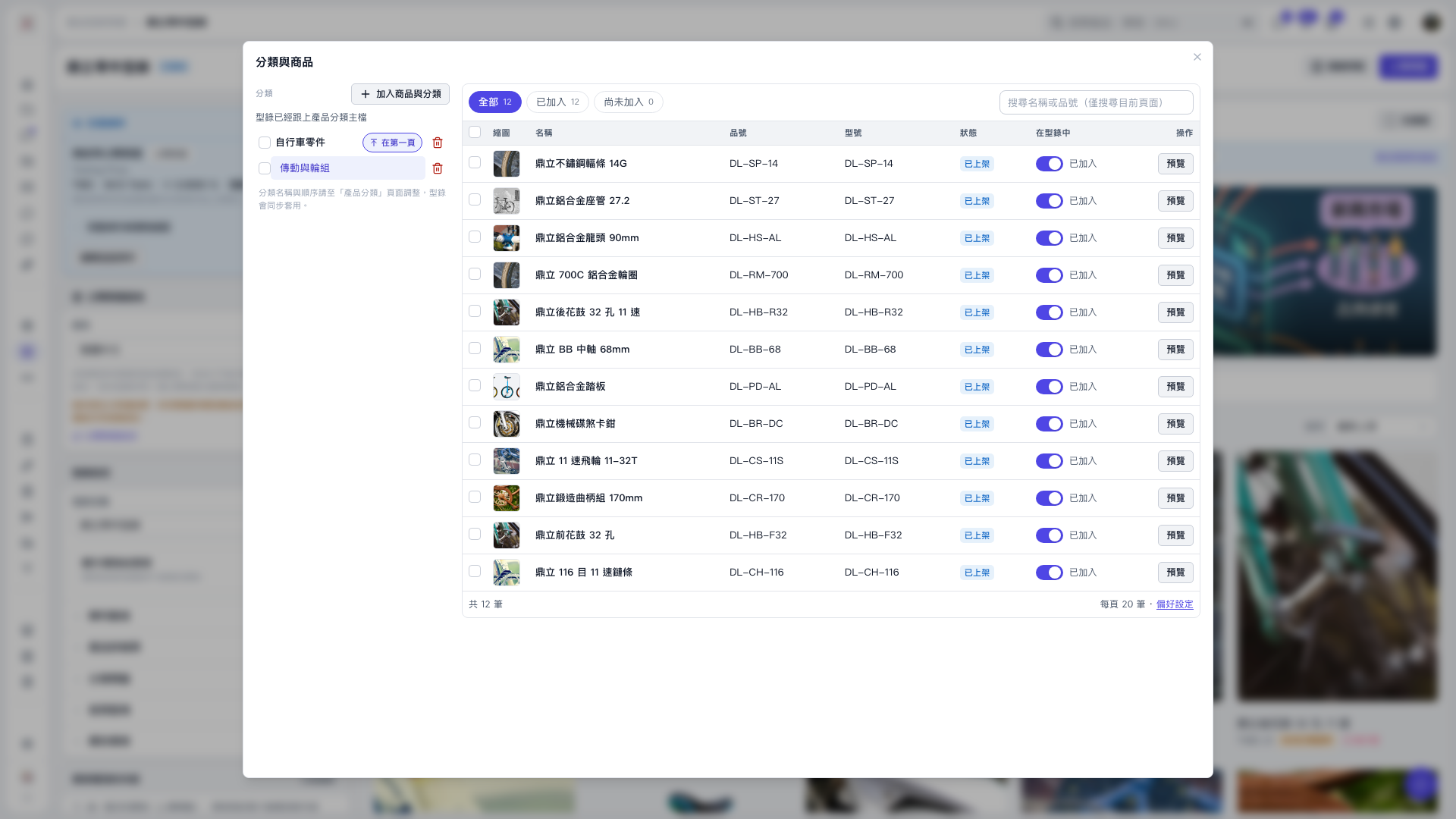 V5 新桌面版|分類與商品