
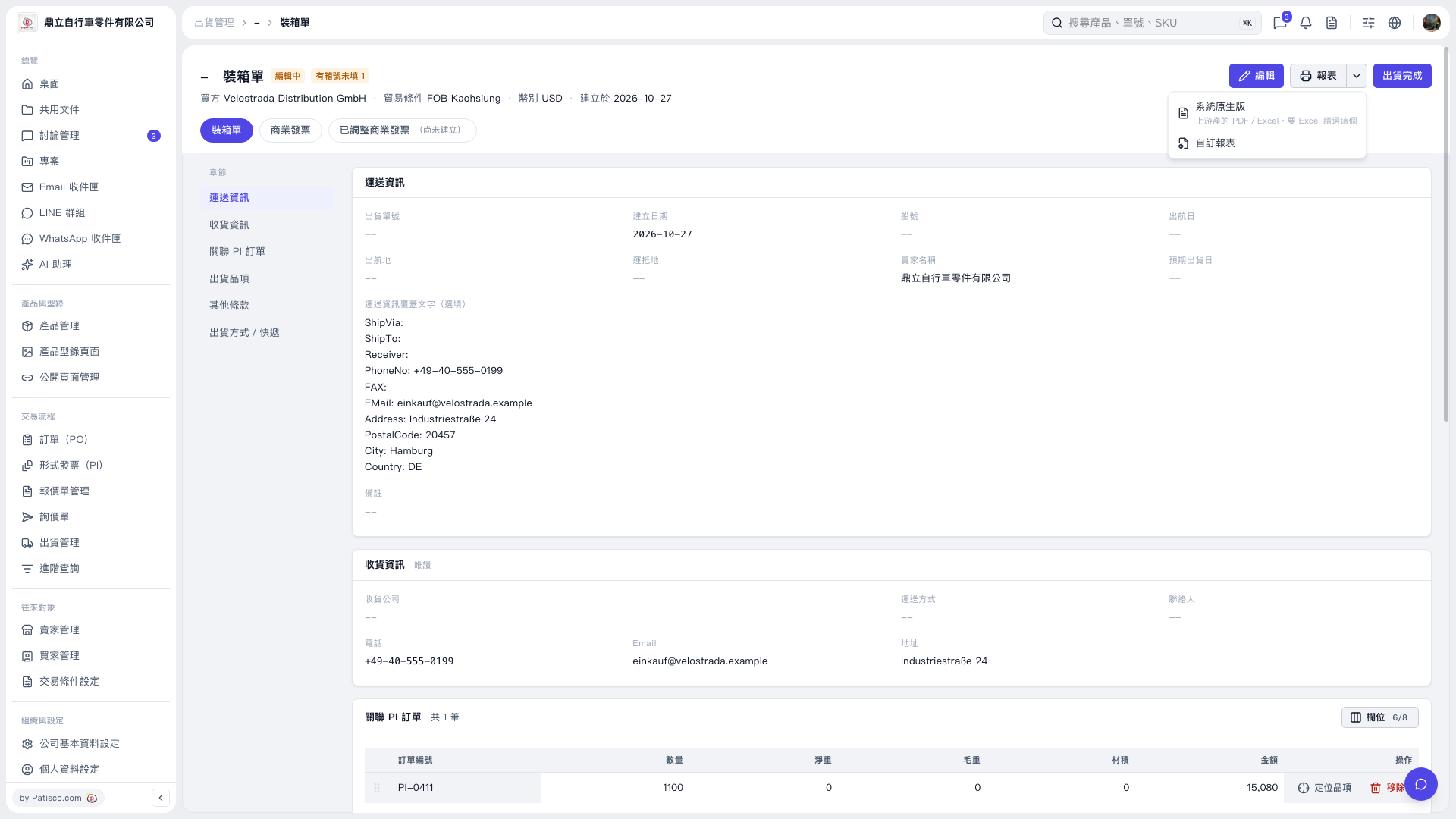
1. On the [Packing List] tab, check the shipping information, receiving information, and linked PI orders. Click [Edit] in the upper right if you need to change any information. 2. Click [Report] in the upper right and select [System Default] to get a system-generated packing list report in PDF or Excel format. Select this option if you need Excel. 3. Select [Custom Report] if you want to use a custom format. 4. Open the generated report, check its contents, and print it.
 V5 新桌面版|裝箱單