
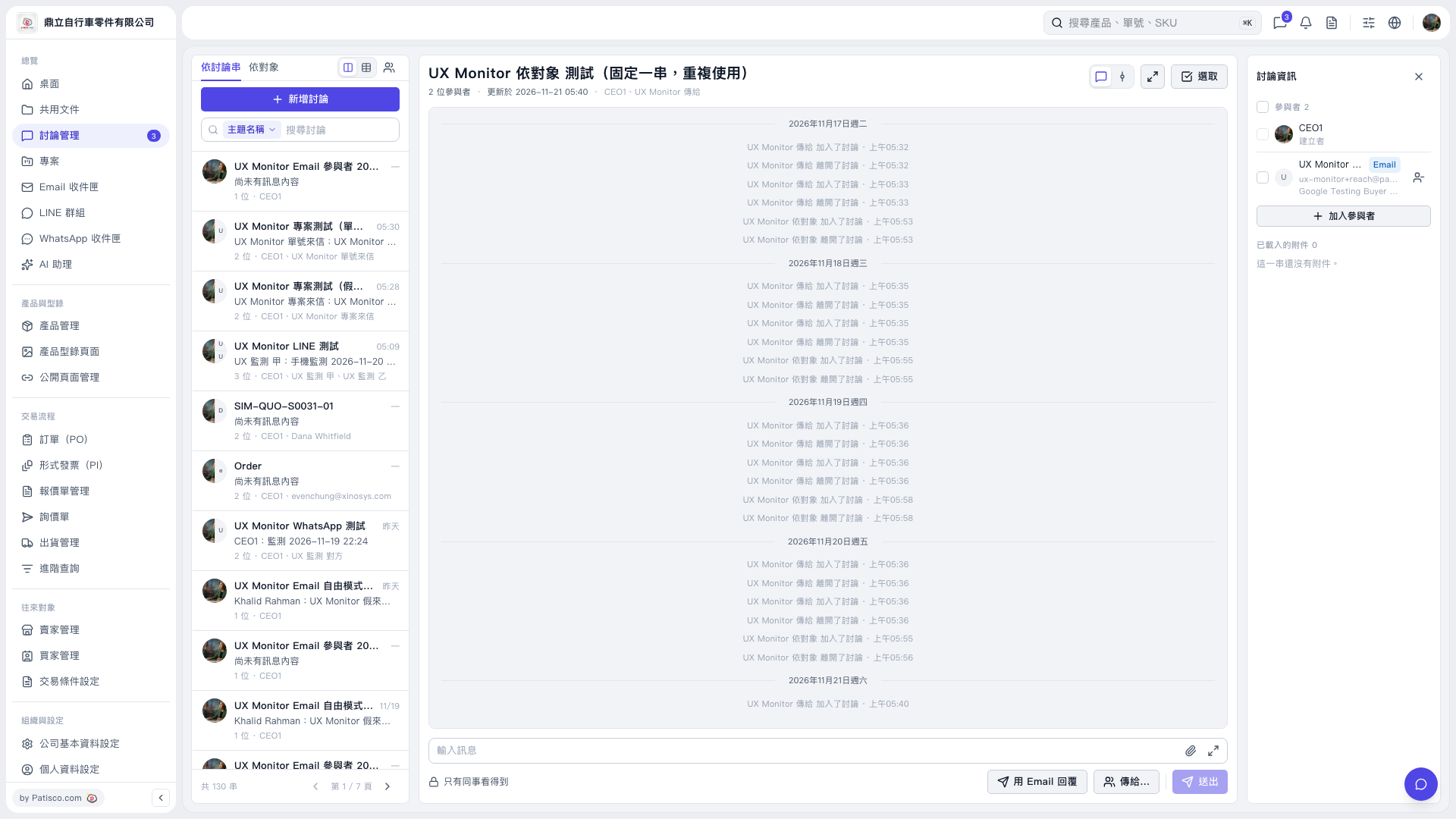
1. In the discussion list on the left, switch between [By Thread] and [By Contact] to change how you browse. 2. Select [Subject Name] in the search bar and use [Search Discussions] to find a thread, then click the item you want to view. 3. View the discussion in the center and check the participants under [Discussion Information] on the right. Click [Add Participants] if you need to add others.
 V5 新桌面版|UX Monitor 依對象 測試(固定一串,重複使用)